8 min read
Framer SEO
Framer CMS SEO: Optimize Every Collection Page for Search
Ranking every CMS page takes more than a clean layout. Dynamic meta tags, schema, alt text, and topical authority all need setup. Here's the full playbook.

Team 7 Seers
Framer CMS SEO: Optimize Every Collection Page for Search
How Framer CMS Handles SEO Natively
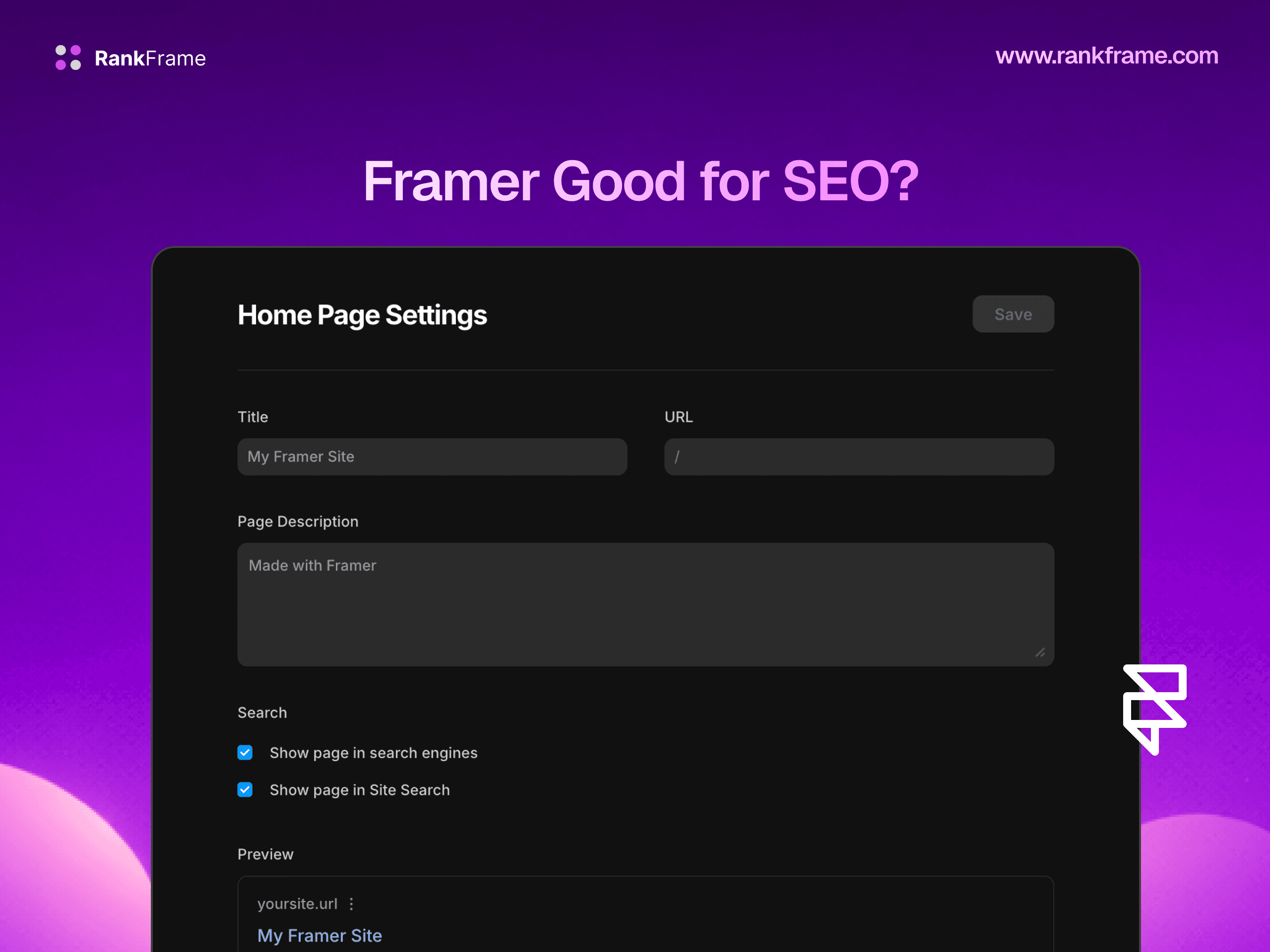
Framer‘s CMS was built with SEO as a first-class concern for the fundamentals. For each collection, you define a template page, the layout that every item in that collection uses. Inside that template’s SEO settings, you can configure meta tags using CMS field variables. This variable system is what makes dynamic, per-item metadata possible without any code.
Variable Syntax: Dynamic Meta Tags Per Item
Framer uses a double-curly-brace syntax to reference CMS field values in SEO settings. When Framer renders a collection item page, it replaces the variable placeholders with the actual field values for that specific item. The most common variables you will use are:
Variable | Maps To | Common Use |
|---|---|---|
| The Title field of each CMS item | Meta title, OG title |
| A text field named Description | Meta description, OG description |
| The URL slug for the item | Canonical URL construction |
| A short text field named Excerpt | Meta description fallback |
| An image field in the CMS | OG image |
The field names in the variable syntax must match the field names in your CMS collection exactly, including capitalization.
Sitemap Inclusion for CMS Items
Framer automatically includes all published CMS collection items in your sitemap.xml. Each item gets its own sitemap entry with its canonical URL. You do not need to manually add CMS pages to the sitemap, Framer handles this dynamically as you add, update, and remove items from your collections.
OG Image Binding
Open Graph images are the preview thumbnails that appear when your content is shared on social platforms and in rich search previews. For CMS collections, the most effective approach is to bind the OG image to a dedicated image field in your CMS, typically a “Cover Image” or “Featured Image” field. In Framer’s CMS template SEO settings, you bind the OG image to a CMS image field using the same variable syntax: set the OG Image field to {{Cover Image}}.
CMS SEO Limitations in Framer
Framer CMS is excellent for the fundamentals, but it has significant gaps that affect sites trying to compete seriously in search.
No Schema Generation for CMS Pages
Framer has no native UI for adding schema markup to CMS collection page templates. There is no Article schema, no BlogPosting schema, no BreadcrumbList automatically generated for CMS items. This is a meaningful gap because Article and BlogPosting schema are exactly what blog posts need to be eligible for Google’s rich results.
No On-Page SEO Scoring Per CMS Item
Framer does not provide any on-page SEO scoring for individual CMS collection items. You can set your meta title and description templates, but there is no native tool that evaluates whether a given blog post’s content is well-optimized for its target keyword.
No Native Taxonomy System
Perhaps the most significant SEO limitation of Framer CMS is the complete absence of a native taxonomy system. There are no categories, no tags, no topic clusters, no hierarchical content organization. In WordPress or other CMS platforms, taxonomy archive pages are powerful vehicles for topical authority. In Framer, you can simulate taxonomy using reference fields and filtered collection lists, but this requires custom design work.
No Content Scheduling or Editorial Workflow
Framer CMS has no built-in content scheduling. Items are published or unpublished, there is no “publish at 9am on Tuesday” option. There is also no editorial workflow, no multi-author content attribution, and no revision history at the field level.
Image Alt Text Requires Manual Setup
Images in CMS collection items do not get alt text automatically. To add alt text to CMS images, you need to create a dedicated alt text field in the CMS collection and bind it to the image component’s alt text property in the template layout.
Scale Impact
If you have 50 blog posts with cover images that were published without alt text, all 50 image URLs are missing alt text signals. Google cannot understand what those images depict.
Setting Up Meta Tags for Framer CMS (Step by Step)
Step 1: Audit Your CMS Fields
Before configuring meta tags, make sure your CMS collection has the fields you need. For a blog collection optimized for SEO, you want at minimum: Title (plain text), Slug (slug), Excerpt (plain text, 150-160 characters), Cover Image (image), Cover Image Alt (plain text), Published Date (date).
Step 2: Configure the Title Template
Open the CMS collection template page in Framer. Navigate to the SEO settings panel. In the Title field, set the template to: {{Title}} | Your Brand Name. Keep the title template under 60 characters for the longest expected title.
Step 3: Configure the Meta Description Template
In the Description field of the SEO settings, set the template to: {{Excerpt}}. Your Excerpt field should be written specifically for the meta description, a one to two sentence summary of the post that includes the target keyword.
Step 4: Bind the OG Image
Set the OG Image field in SEO settings to reference your cover image field: {{Cover Image}}. Framer will automatically use the image URL from each item’s Cover Image field as the OG image for that page.
Step 5: Verify with a Live Item
After configuring the templates, publish a test item and inspect the live page source code. Look for the <title> tag, <meta name="description">, and <meta property="og:image"> tags. Confirm that the variable placeholders have been replaced with the actual item values.
Adding Schema Markup to Framer CMS Pages
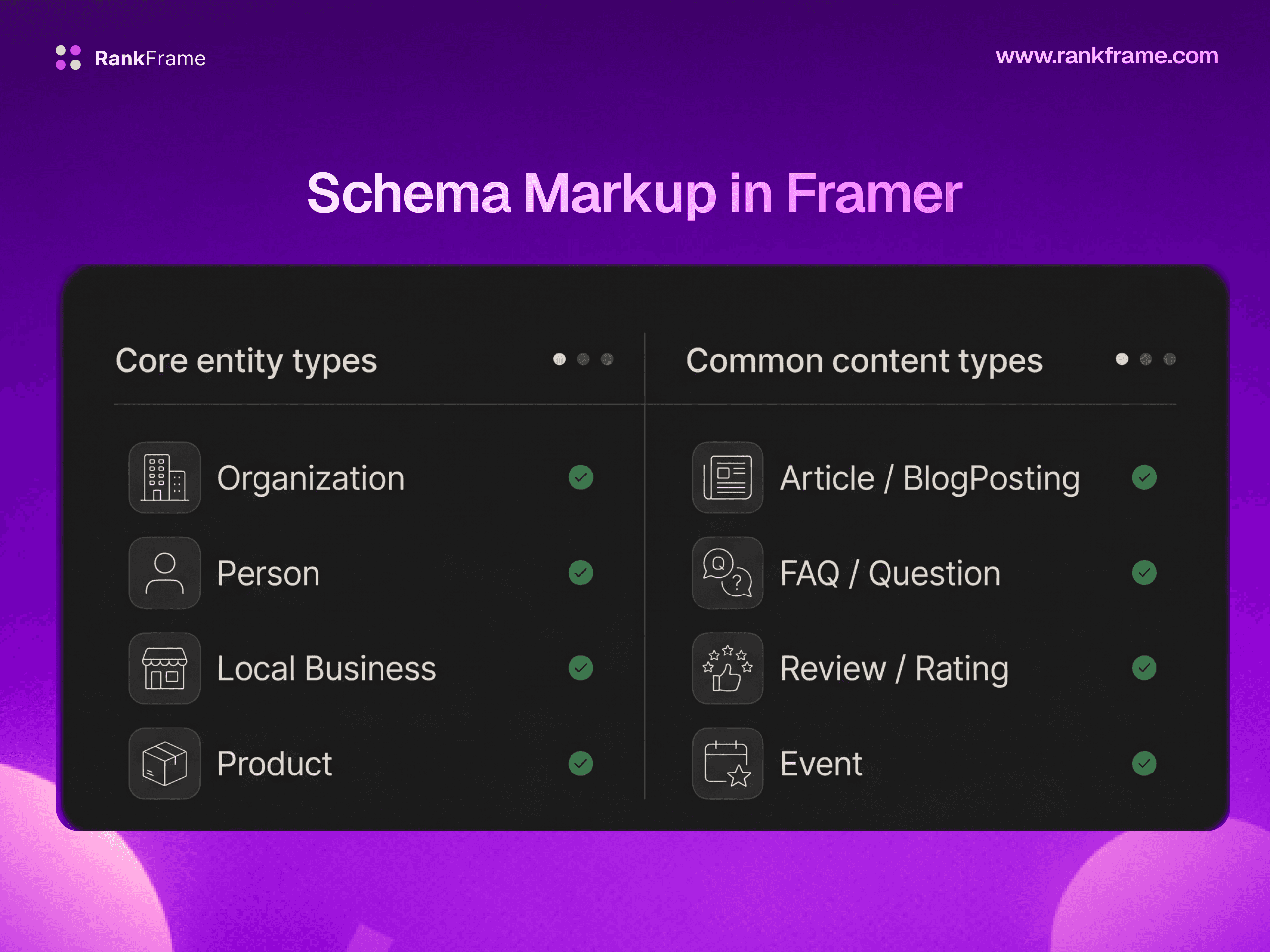
Schema markup tells search engines exactly what type of content a page contains and provides structured data about that content’s properties. For blog posts, Article and BlogPosting schema are the two most relevant types.
Why Article Schema Matters for CMS Blog Posts
Article schema directly affects rich results eligibility, content type disambiguation, E-E-A-T signals, and knowledge panel eligibility.
Manual JSON-LD with CMS Variable Interpolation
Framer allows you to insert custom code into page headers through the embed code feature. For CMS collection templates, you can use Framer’s variable syntax inside custom code embeds to inject JSON-LD schema that populates with each item’s data. A basic Article schema for a blog post template looks like this:
RankFrame Auto-Generated Schema for CMS Pages
RankFrame automates CMS schema generation. When you configure schema settings in RankFrame, it generates Article or BlogPosting schema for every CMS page included in your sitemap, without you needing to manually write or maintain JSON-LD in code embeds.
Image Alt Text for CMS Collections
Alt text serves two purposes: accessibility (screen readers read alt text to visually impaired users) and SEO (search engines use alt text to understand image content and index images in Google Images). For CMS collections, every image field that renders visually on the page should have descriptive alt text.
The Native Approach: Bind a CMS Alt Text Field
The recommended native approach in Framer is to add a plain text field to your CMS collection specifically for alt text, then bind that field to the alt text property of your image component in the collection template.
Writing Effective Alt Text
Good alt text is specific and descriptive without keyword-stuffing. For a blog post cover image: “A developer reviewing SEO audit results in the RankFrame plugin inside Framer” is better than “SEO audit” or “screenshot.”
RankFrame Bulk AI Alt Text for CMS Collections
If you have an existing CMS collection with dozens or hundreds of items that were published without alt text, manually writing alt text for each image is time-consuming. RankFrame’s Image SEO feature provides bulk AI alt text generation for CMS images, organized by collection.
Per-CMS-Item SEO Audit with RankFrame
One of the most practical differences between managing CMS SEO with and without RankFrame is the ability to run per-item audits. Framer’s native interface gives you no visibility into whether a specific blog post is well-optimized beyond confirming that the meta tag templates are configured.
Pages List View for CMS Items
RankFrame’s Pages list view surfaces all of your site’s pages including CMS collection items. Each entry shows an SEO score from 0 to 100 based on a combination of on-page signals: title quality, description quality, heading structure, internal links, image alt text coverage, and more.
Per-Page Audit for Individual CMS Items
Clicking into any CMS item from the pages list opens the per-page audit view. This provides a detailed audit score with pass/fail checks for each SEO signal, delivered by a per-page analyser running the same checks as the site-wide audit, AI-generated title and description suggestions specific to that page’s content, and direct links to the issues identified.
CMS SEO Content Strategy for Framer Sites
Technical SEO configuration is necessary but not sufficient. To rank Framer CMS pages competitively, you need a content strategy that compensates for Framer’s structural limitations, particularly the absence of native taxonomy, and builds the topical authority that search engines reward.
Building Topical Authority Without Native Taxonomy
Without native taxonomy in Framer, you build topical clusters manually: create a “hub” page for each major topic that links out to all related CMS posts in that cluster, internal link related posts within the body of each CMS item, and use consistent naming conventions in your CMS Titles and Excerpts for related topics.
Internal Linking Best Practices for CMS Collections
Internal links within CMS pages require deliberate effort in Framer because the CMS rich text field does not automatically suggest related posts. Establish a process where every new post includes at least two to three internal links to other relevant posts in your collection.
Content Depth and Word Count for CMS Posts
Framer CMS supports long-form rich text content. For competitive search terms, thin CMS posts (under 600 words) rarely rank. Research the top-ranking pages for your target keywords and aim to match or exceed their depth while being more specific and accurate.
Refresh Strategy for Existing CMS Content
Search rankings decay over time for content that is not updated. For CMS-driven sites, establish a quarterly review process: use RankFrame’s pages list to identify posts with declining scores, update the content, update the Published Date field in the CMS, and use RankFrame’s Submit Indexing feature to push the updated URL to Google’s indexing API for faster re-crawl.
Frequently asked questions
Does Framer CMS automatically generate unique meta tags for each collection item?
Yes. Framer CMS supports variable syntax -- like {{Title}} and {{Description}} -- in the page SEO settings for collection templates. When you set a title template, each CMS item gets a unique meta title derived from its own Title field.