8 min read
Plugin Review
The Best Framer SEO Plugin in 2026 (And Why There's Only One Worth Using)
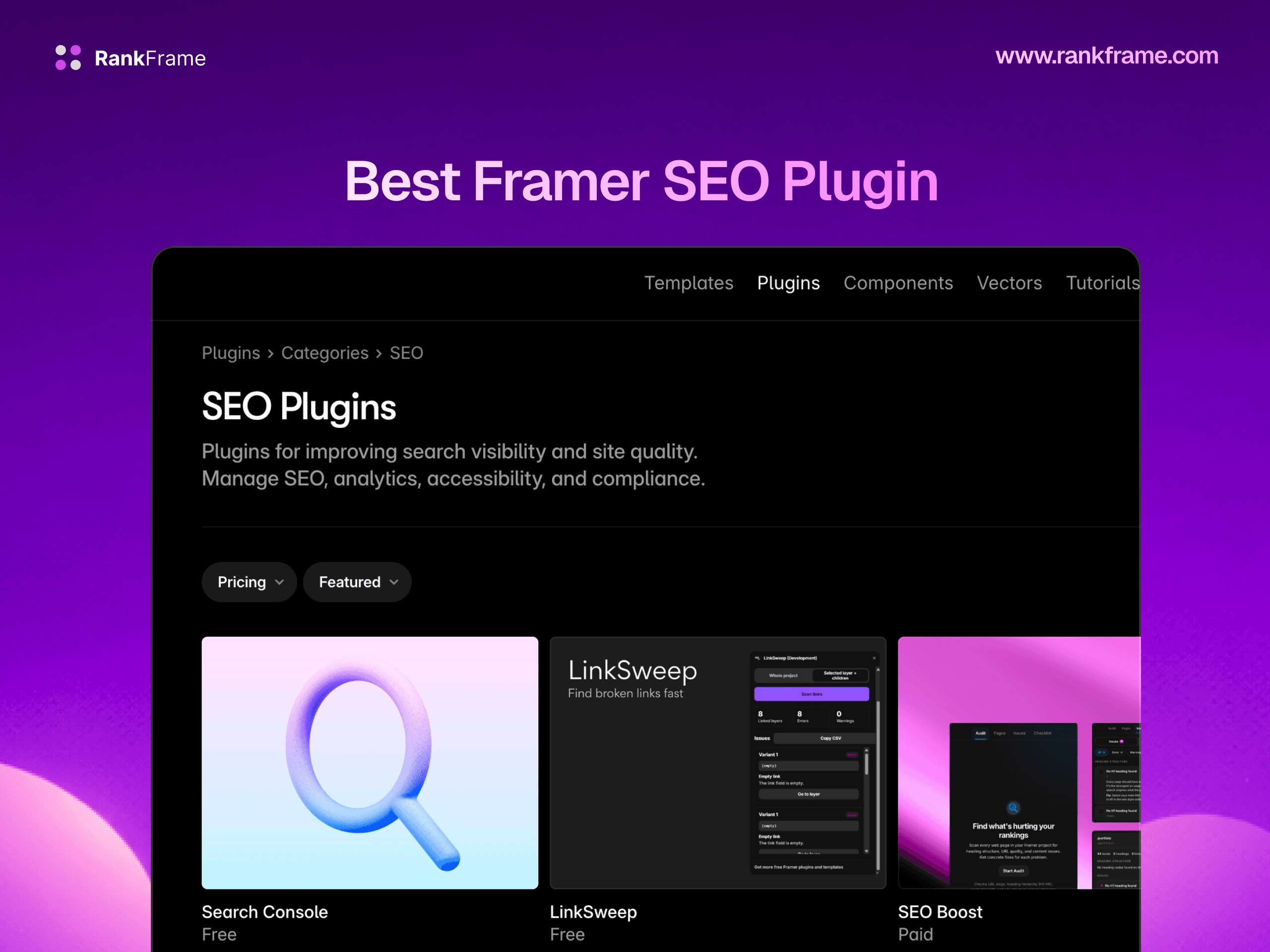
Framer doesn't have ten SEO plugins. It has one built specifically for it. Here's what RankFrame does and why a WordPress plugin port could never match it.

Team 7 Seers
The Best Framer SEO Plugin in 2026 (And Why There's Only One Worth Using)
What Makes a Framer SEO Plugin Different From a WordPress Plugin
When people think "SEO plugin," they usually picture Yoast: a CMS addon that sits between the content editor and the database, intercepting posts before they publish, injecting meta tags, and providing a traffic-light readability score in a sidebar panel.
Framer's plugin architecture is nothing like that. Understanding the difference explains why RankFrame is not just "Yoast for Framer", it is a genuinely different kind of tool.
Framer Plugins Live Inside the Editor
Framer plugins run as native panels within the Framer editor itself, not as browser extensions, external dashboards, or CMS database addons. This means a Framer SEO plugin must be built using Framer's Plugin API, render inside Framer's side panel or overlay UI, and communicate with Framer's site data in real time. A WordPress plugin, by contrast, runs on a PHP server and operates on database records. There is no direct translation between the two architectures.
It Must Read Framer's Site Structure
A Framer SEO plugin needs read access to Framer's page tree, CMS collection schemas, image library, and published site structure. This is information that lives in Framer's own data layer, not in a generic API that any third-party tool can query. RankFrame was built with this architecture in mind from day one, which is why it can enumerate all images across Canvas pages and CMS collections, read per-page meta data, and inject schema code directly into page head sections without you touching a line of code.
External Tools Cannot Fill This Gap
You can connect Framer to analytics platforms, SEO dashboards, and third-party services, but they will always operate at arm's length. They can analyze your published site externally. They cannot surface actionable SEO issues inside the editor where you are actually making changes, or inject code into specific page heads without you doing it manually. The inside-the-editor workflow is the only workflow that removes friction completely.
RankFrame Feature Breakdown
Schema Generation
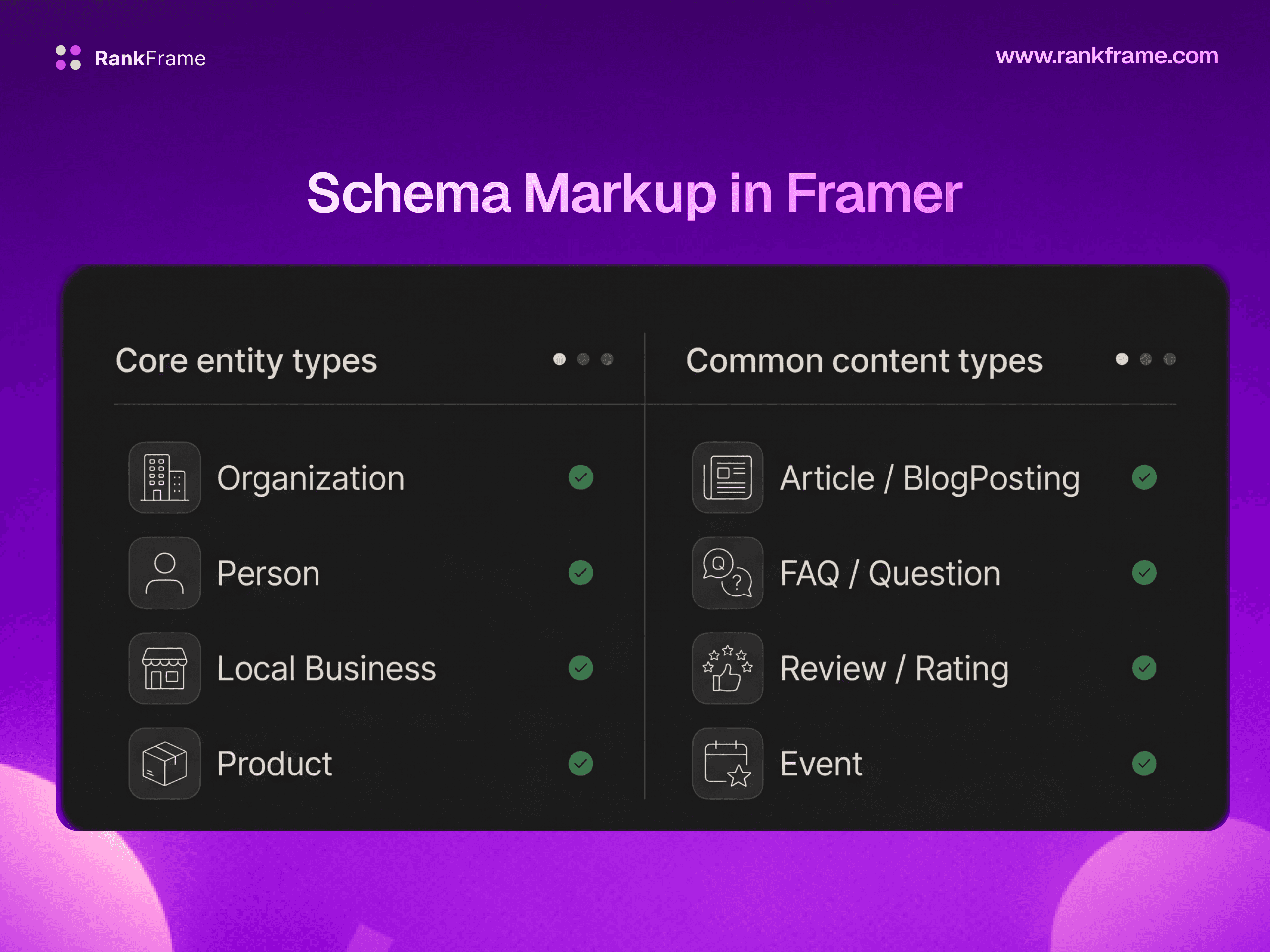
Schema markup (JSON-LD structured data) is one of the most impactful and most commonly skipped SEO tactics for Framer sites. Adding correct schema can make your pages eligible for rich results, FAQ dropdowns, article bylines, breadcrumb trails, star ratings, which meaningfully improve click-through rates from organic search.
RankFrame provides a form-based UI for generating schema, accessible from within the Framer editor. You fill in the fields (organization name, URL, logo, description, social profiles, article title, date published, author) and RankFrame generates and injects the correct JSON-LD automatically. Supported types include Organization, Person, Article, BlogPosting, TechArticle, NewsArticle, Service, Restaurant, and Book. No code required at any step.
For sites with many pages, the AI Auto-Generate Schema feature processes your entire sitemap and generates contextually appropriate schema for each URL using AI.
AI Meta Tag Generation
Every page on your Framer site needs a unique, keyword-targeted meta title (under 60 characters) and meta description (150-160 characters). For small sites this is manageable manually. For CMS-driven blogs, portfolio sites, or agency sites with 30+ pages, it becomes a real time sink.
RankFrame's per-page SEO panel includes AI-generated meta title and description suggestions trained against your page content and your AI Personalization settings. Each generation uses 1 credit. You can accept, edit, or regenerate any suggestion before applying it.
Image SEO: Bulk Alt Text Generation
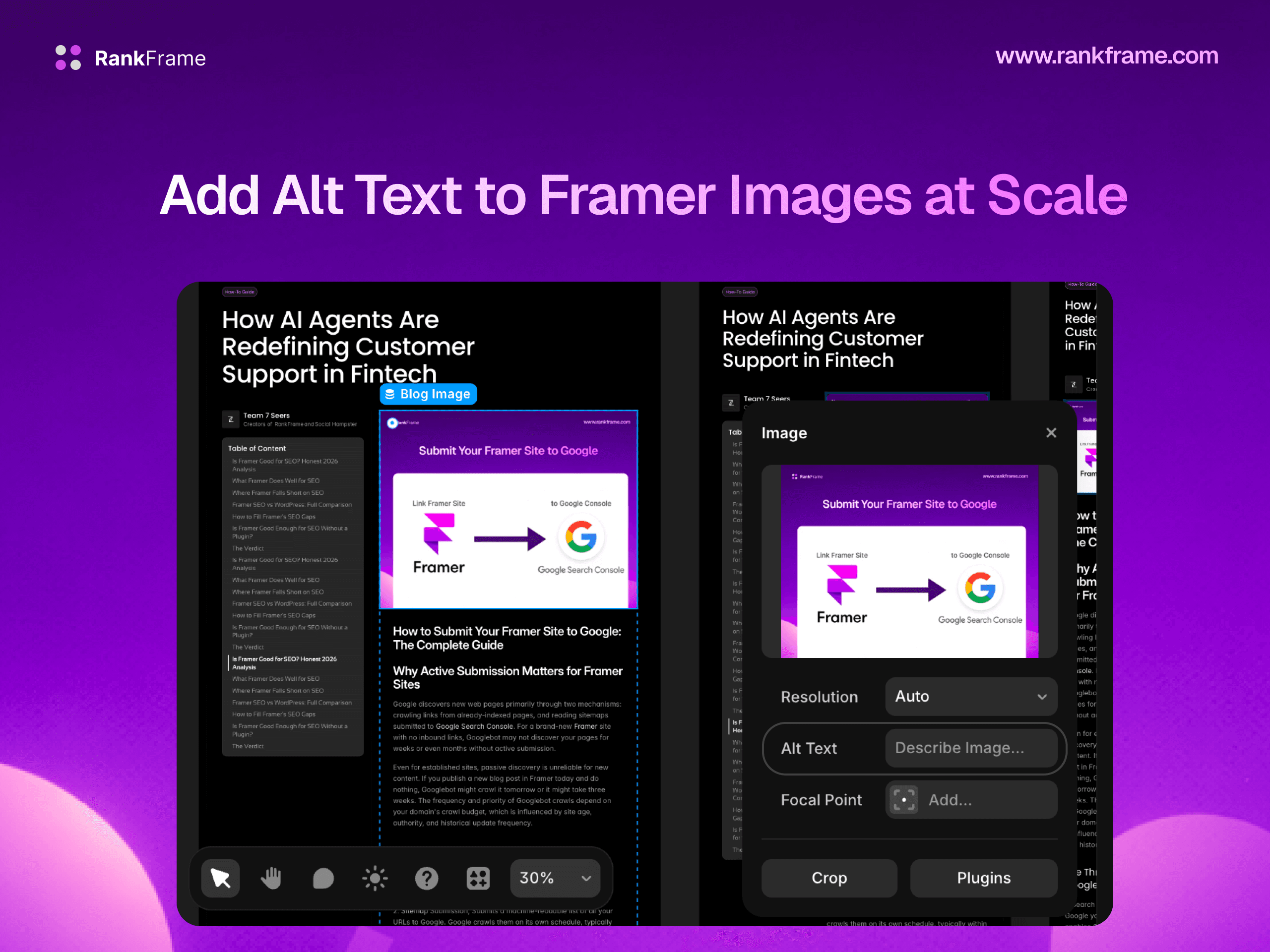
Alt text serves both accessibility and SEO purposes. Google uses alt text to understand image content for Google Images indexing and as supporting context for page relevance. Missing alt text is one of the most common and most easily fixable SEO issues on Framer sites.
RankFrame's Image SEO feature provides a site-wide overview of every image, across both Canvas pages and CMS collections, showing which images have alt text and which are missing it. AI-generated alt text suggestions are available for each image at 1 credit per generation. A CSV export lets you document, audit, and share your image SEO status with clients or team members.
Submit Indexing: Google Indexing API + GSC Analytics
When you publish or update a page in Framer, Googlebot will eventually find and re-index it, but "eventually" can mean days or weeks. For time-sensitive content (news, product launches, event pages, updated pricing), that delay costs clicks.
RankFrame's Submit Indexing feature connects to the Google Indexing API, letting you push specific URLs directly to Google immediately after publishing. The same Google integration pulls live Google Search Console data, clicks, impressions, CTR, and average position, into the RankFrame panel inside Framer.
Keyword Tracker
The Keyword Tracker displays Google Search Console position data for your tracked keywords with sparkline history charts, letting you see at a glance whether a keyword is rising, falling, or flat. You can also use the Keyword Research tab to check Search Volume, Keyword Difficulty, Competition level, and Cost-Per-Click for any keyword and assign it to a specific page on your site.
Site-Wide SEO Analyzer
The Site-wide SEO Analyzer scores your entire Framer site from 0 to 100 and categorizes issues into Red (critical), Warning (important), and Green (passing) zones. Each issue links to a specific page or element so you can fix it directly. A PDF audit export lets you share a professional SEO report with clients.
Page Speed: Lighthouse Scores Inside Framer
RankFrame's Page Speed tab runs Google Lighthouse audits for both mobile and desktop against your published Framer pages, displaying Performance scores and Core Web Vitals (First Contentful Paint, Largest Contentful Paint, Cumulative Layout Shift) directly inside the plugin. No switching to PageSpeed Insights.
404 Monitor
The 404 Monitor tracks broken URLs hitting your Framer site, along with user agent data (distinguishing real user hits from crawler hits) and hit counts per URL. An Exception Routes whitelist lets you ignore expected 404s (API endpoints, webhook paths, etc.) so your monitor stays focused on real broken links that need fixing.
AI Personalization
The AI Personalization feature lets you define your Brand Name, Brand About, Main Goals, Industry, Target Audience, and Competitors. This context feeds into every AI output across RankFrame, meta titles, meta descriptions, image alt text, and schema suggestions are all generated with your specific brand positioning in mind.
What RankFrame Does NOT Do (Honest)
Canonical Tags
Framer handles canonical tags natively and does so correctly. RankFrame does not override or manage canonical tags. If you need a custom canonical URL for a specific page (for syndicated content, for example), you handle that via Framer's custom code head block directly, not through RankFrame.
Redirects
Framer's Pro plan includes a redirect manager UI for setting up 301 and 302 redirects. RankFrame does not replicate this functionality. Redirect management stays within Framer's native tools.
Works Only Inside Framer
RankFrame is installed from the Framer Plugin Marketplace and operates exclusively within the Framer editor. It is not a standalone SaaS dashboard, a browser extension, or a platform-agnostic SEO tool. If you are not using Framer to build your site, RankFrame is not the right tool.
RankFrame Pricing
RankFrame offers two plans, both with a 7-day free trial. Payment is processed securely via Polar.sh.
Feature | Personal ($15/mo) | Agency ($40/mo) |
|---|---|---|
Framer sites covered | Unlimited | |
Schema generation | Yes | Yes |
AI meta tags | Yes | Yes |
Image SEO + bulk alt text | Yes | Yes |
Submit Indexing + GSC | Yes | Yes |
Yes | Yes | |
Site-wide SEO Analyzer | Yes | Yes |
Page Speed (Lighthouse) | Yes | Yes |
404 Monitor | Yes | Yes |
PDF audit reports | Yes | Yes |
Annual billing discount | $108/yr (save $72) | $288/yr (save $192) |
The Verdict
There is no shortlist here. RankFrame is the only native SEO plugin built for Framer, and it covers the ground that Framer's native tools leave open with genuine depth: schema generation without code, AI-assisted meta tags, bulk image alt text, GSC data inside the editor, keyword tracking with history, site-wide auditing, Lighthouse scores, and 404 monitoring. The 7-day free trial removes the risk entirely. If you are building on Framer and you care about organic traffic, RankFrame is not an optional add-on. It is the SEO layer that Framer's native tools were always waiting for.
Frequently asked questions
Is there an SEO plugin for Framer?
Yes. RankFrame is the only native SEO plugin built specifically for Framer. It is installed directly from the Framer Plugin Marketplace and operates entirely inside the Framer editor.