8 min read
Framer SEO
Is Framer Good for SEO? Honest 2026 Analysis
Short answer: yes, with caveats. Framer's SSG, edge CDN, and clean HTML put it ahead of most builders. But the workflow gap to actually ranking is real.

Team 7 Seers
Is Framer Good for SEO? Honest 2026 Analysis
What Framer Does Well for SEO
Framer's reputation as "just a design tool" undersells its technical SEO foundation. Before you worry about what is missing, it is worth understanding how much is already there.
Auto-Generated Sitemap.xml
Every Framer site automatically generates a sitemap.xml at yourdomain.com/sitemap.xml. Crucially, this sitemap includes CMS collection pages, blog posts, case studies, product pages, anything powered by Framer CMS, and it updates automatically every time you publish. This is not a setting you toggle; it is on by default. For teams managing content-heavy sites, this alone saves meaningful setup time.
Self-Referencing Canonical Tags
Framer automatically adds self-referencing canonical tags to every page. This protects against duplicate content issues that commonly arise when content appears at multiple URLs (with and without trailing slashes, for example). On any paid Framer plan, you can customize the canonical URL via custom code injected into the page head, useful for cross-domain publishing or syndication scenarios.
Per-Page Meta Titles and Descriptions
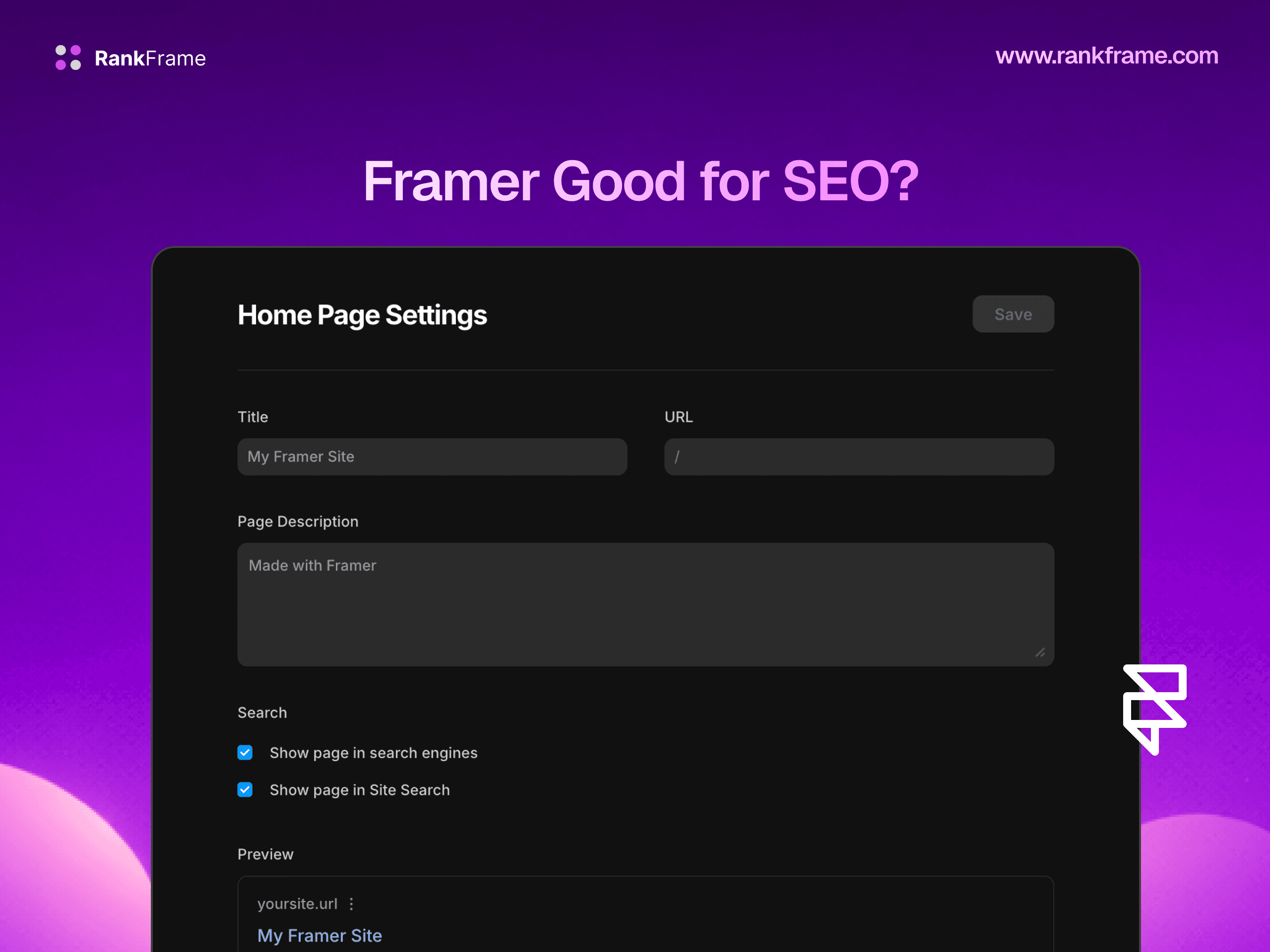
Every page in Framer has dedicated fields for meta title and meta description, accessible in the page settings panel. Framer also supports site-wide defaults, so pages without individual overrides inherit a global fallback. For CMS collections, you can map meta title and description to CMS fields, so every blog post or product page gets a unique, auto-populated meta description pulled from your content data.
Open Graph Tags
Framer supports Open Graph tags natively. You can set OG title, OG description, and OG image per page or globally. This controls how your pages appear when shared on LinkedIn, Twitter/X, Slack, and Facebook, important for content sites where social sharing drives referral traffic.
Robots.txt
Framer auto-generates a robots.txt file. On the Pro plan and above, you can customize this file to control which paths crawlers access. For most sites the default configuration is correct, but customization matters for sites with staging environments, admin sections, or large parameter-driven URLs that should not be indexed.
Page Speed: SSG Plus Edge CDN
This is one of Framer's most significant SEO advantages. Sites built in Framer are statically generated (SSG) and served through a global edge CDN. Static generation means there is no server-side rendering delay: the HTML is pre-built at publish time and served instantly. The CDN delivers that HTML from whichever edge node is geographically closest to each visitor.
The practical result is that well-built Framer sites routinely score in the 90s on Google PageSpeed Insights, without manual performance optimization. This matters because Core Web Vitals (LCP, CLS, INP) are confirmed Google ranking factors, and fast-loading pages reduce bounce rates that indirectly affect rankings.
Clean Semantic HTML Output
Framer outputs clean, well-structured HTML. Heading hierarchies (H1, H2, H3), paragraph tags, and image alt attributes map correctly from the editor to the rendered page. Google's crawler reads HTML, not visual design, so the semantic quality of the markup directly affects how well your content is understood and indexed. Framer's output is notably cleaner than legacy drag-and-drop builders that wrap everything in generic divs.
Native Privacy-First Analytics
Framer includes built-in analytics that track visitors, pageviews, bounce rate, and traffic sources, all without cookies. This gives you a baseline understanding of your audience without adding a third-party analytics script that degrades page performance. The privacy-first approach also means no GDPR cookie banner is required for Framer's native analytics.
404 Tracking and Redirect Manager
Since August 2025, Framer includes 404 error tracking in its analytics dashboard. When a visitor hits a broken URL, Framer logs it. On the Pro plan, Framer also provides a redirect manager UI where you can set up 301 and 302 redirects without touching configuration files. This is essential for site migrations, URL restructuring, and keeping link equity intact after content changes.
Where Framer Falls Short on SEO
The technical foundation is solid. The SEO workflow layer, the tools that help you actively optimize, audit, and improve rankings, is largely absent. Here is where the gaps are.
No Schema Generation UI
Structured data (JSON-LD schema markup) is one of the highest-leverage SEO tasks you can do. Organization schema, Article schema, FAQ schema, Product schema, and BreadcrumbList schema all help Google understand your content, qualify for rich results, and improve click-through rates in search. Framer has no native interface for generating or managing schema. To add schema to a Framer site, you must write raw JSON-LD by hand and inject it via the custom code head block. This is fine if you are technical, but it is slow, error-prone, and entirely manual, meaning most Framer users simply skip it.
No On-Page SEO Audit or Scoring
WordPress users have Yoast or RankMath showing a real-time SEO score and a checklist of issues to fix on every post and page. Framer has nothing equivalent. There is no built-in tool to tell you that your H1 is missing, your meta description is too long, your images lack alt text, or your page has thin content. You have to run these checks manually using external tools, or not run them at all.
No Search Performance Data Inside Framer
Framer's native analytics shows you who visited your site. It does not show you what they searched for before arriving. Impressions, clicks, click-through rate, average position, and keyword queries are only available in Google Search Console: a separate platform that requires separate setup and does not integrate with the Framer editor.
No Bulk Image Alt Text Editor
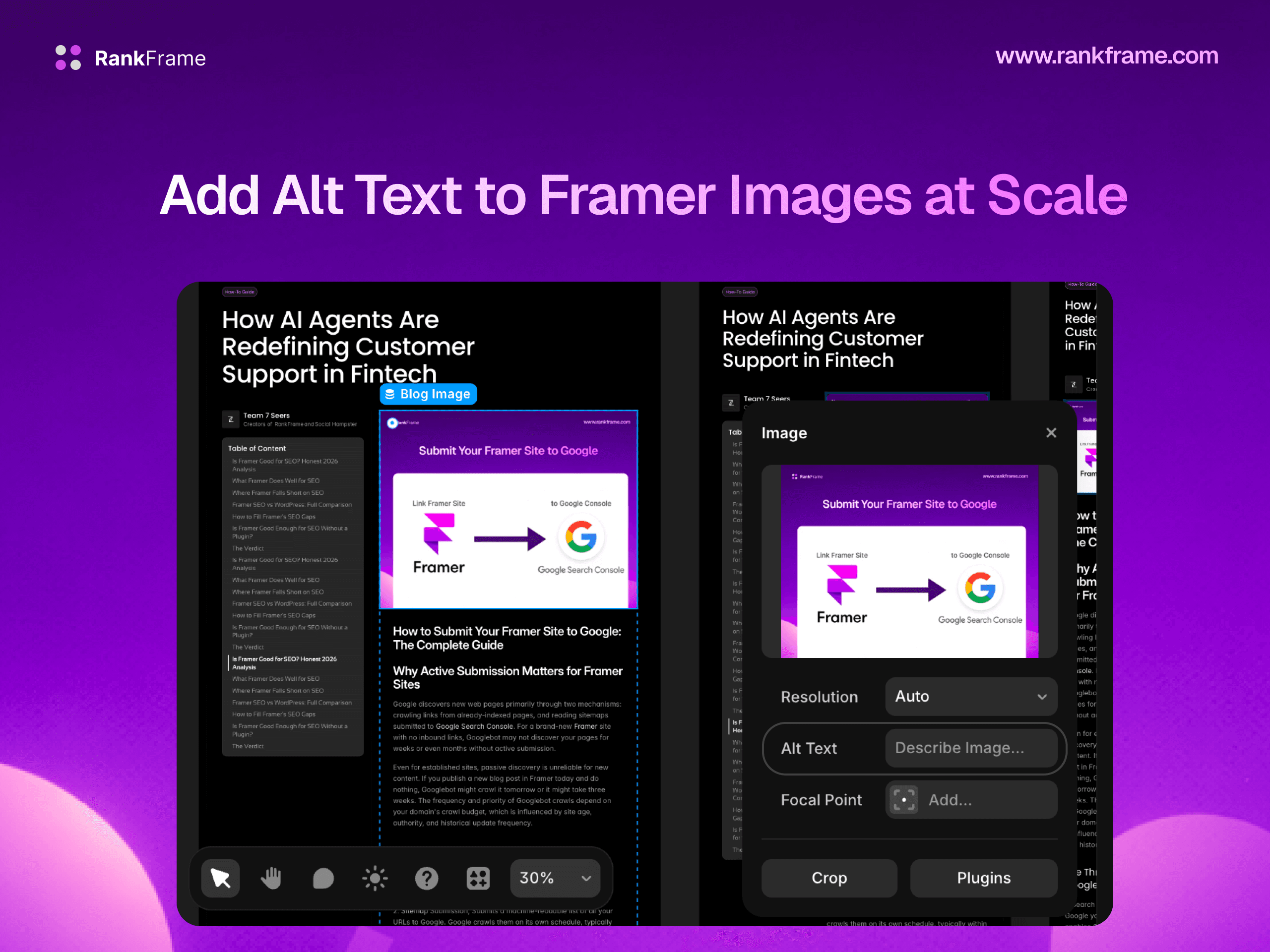
Image alt text serves two functions: accessibility and SEO. Google uses alt text to understand image content and index images in Google Images. Framer lets you set alt text per image in the editor, but there is no bulk editor or site-wide overview showing which images are missing alt text. For sites with dozens or hundreds of images, this means either tedious manual work or images that go unoptimized entirely.
No Keyword Tracking Inside the Tool
Knowing which keywords you rank for, how positions change week over week, and which pages are gaining or losing ground is fundamental SEO monitoring. Framer has no keyword tracking feature. You would need Google Search Console, Ahrefs, Semrush, or a similar external tool, none of which integrate with the Framer editor.
Animations Can Hurt Core Web Vitals
Framer is famous for its animations. Complex scroll-triggered animations, parallax effects, and large motion sequences can significantly increase Cumulative Layout Shift (CLS) and Interaction to Next Paint (INP) scores, both Core Web Vitals that Google uses in ranking. The platform is fast by default, but animation-heavy pages can drop Lighthouse scores into the yellow or red zone. Without a Page Speed monitoring tool inside Framer, you may not notice until rankings decline.
No AI Meta Tag Generation
For sites with 50+ pages or active CMS-driven blogs, writing unique, well-optimized meta titles and descriptions for every page is genuinely time-consuming. Framer offers no AI assistance here. You write every meta tag manually, or you rely on CMS field mappings that may produce suboptimal output.
Framer SEO vs WordPress: Full Comparison
WordPress remains the dominant CMS, so this comparison is the one most people care about. The answer is nuanced: Framer wins on technical performance, WordPress wins on SEO workflow depth. Here is the full breakdown.
SEO Factor | Framer | WordPress (with Yoast/RankMath) |
|---|---|---|
Auto sitemap generation | Yes, updates on publish | Yes, plugin required for full CMS coverage |
Canonical tags | Yes, auto + customizable | Yes, full control via plugin |
Meta titles and descriptions | Yes, per-page + site defaults | Yes, per-page with templates |
Open Graph tags | Yes, native | Yes, via plugin |
Robots.txt | Yes, customizable on Pro | Yes, full control |
Schema / JSON-LD generation | No UI, manual custom code only (or RankFrame) | Yes, Yoast/RankMath generate automatically |
On-page SEO audit | No, no native audit tool | Yes, Yoast/RankMath score every post |
Core Web Vitals performance | Excellent, SSG + edge CDN | Variable, depends on host + plugins |
Page speed (default) | 90+ Lighthouse on clean builds | 50-80 on typical shared hosting |
Redirect manager | Yes, Pro plan UI | Yes, plugins (Redirection, etc.) |
404 tracking | Yes, native since Aug 2025 | Plugin required |
Bulk image alt text | No, per-image manual only | Partial, via media library, limited |
Keyword tracking | No, external tool required | Via plugin, RankMath integrates GSC |
GSC data in editor | No, separate GSC platform | Yes, RankMath Search Console integration |
AI meta generation | No, manual (or RankFrame) | Limited, RankMath AI in paid tier |
Native analytics | Yes, privacy-first, no cookies | No, requires GA4 or similar |
Design flexibility | Best in class | Theme-dependent |
Hosting complexity | None, Framer hosts everything | High, hosting, updates, security all manual |
How to Fill Framer's SEO Gaps
Schema Markup Without Writing Code
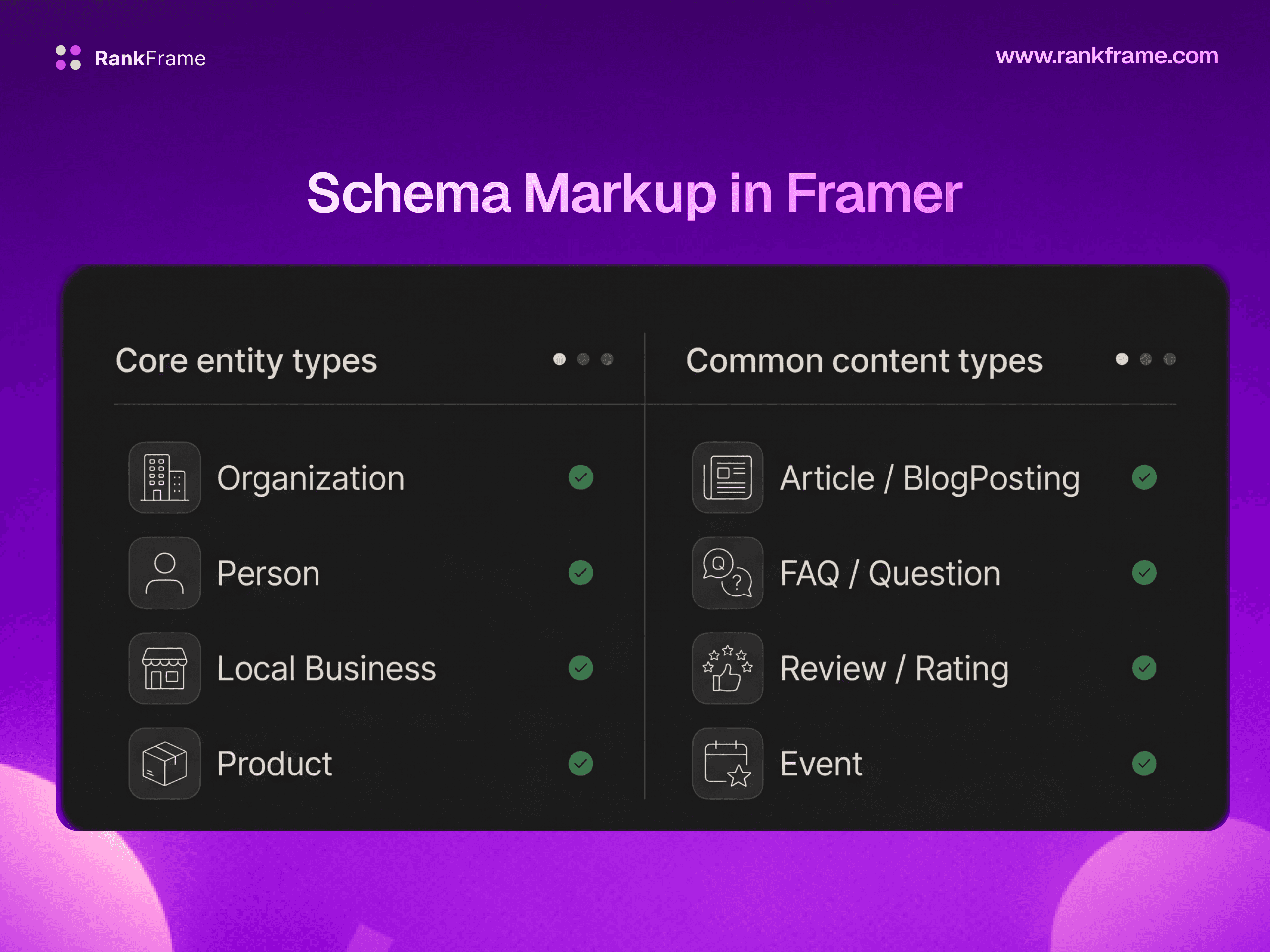
The cleanest solution to Framer's missing schema UI is RankFrame's Schema Generation feature. It provides a form-based interface inside the Framer editor to create Organization, Article, BlogPosting, Service, Person, Restaurant, and Book schemas without writing a single line of JSON-LD. For content-heavy sites, RankFrame's AI can auto-generate schema for your entire sitemap in one batch operation.
On-Page SEO Auditing Inside Framer
RankFrame's per-page SEO audit scores each page from 0 to 100, identifies specific issues (missing H1, short meta description, no schema, missing alt text), and provides AI-written meta title and description suggestions. The site-wide SEO Analyzer aggregates scores across your entire site into Red, Warning, and Green zones with a downloadable PDF report.
Google Search Console Data Inside Framer
RankFrame's Submit Indexing feature connects to the Google Indexing API and pulls live GSC analytics, clicks, impressions, CTR, and average position, directly into the Framer plugin panel. You can also push URLs to Google for immediate indexing after publishing new or updated content.
Bulk Image Alt Text
RankFrame's Image SEO feature provides an overview of every image across your Canvas pages and CMS collections, flags those missing alt text, and offers AI-generated alt text suggestions (1 credit per image). A CSV export lets you audit and document image alt text at scale.
Keyword Tracking with Sparklines
The Keyword Tracker inside RankFrame pulls position data from Google Search Console and displays sparkline history charts for each tracked keyword. You can also use the Keyword Research tab to check search volume, keyword difficulty, competition level, and CPC for target keywords, and assign them to specific pages.
Is Framer Good Enough for SEO Without a Plugin?
For Simple Sites: The Basics Are Covered
If you are building a personal portfolio, a simple landing page for a service business, or a small company site with 5 to 15 pages, Framer's native SEO tools are genuinely sufficient for the basics. You can set meta titles and descriptions, your sitemap is auto-generated, your pages load fast, and canonical tags are handled automatically. If you are not competing for high-volume keywords, these fundamentals may be all you need.
For Sites That Need to Rank: You Will Hit Ceilings
If you are building a content-driven site, an e-commerce or SaaS site, a local business site targeting competitive keywords, or a blog intended to drive organic traffic, you will eventually need schema markup, SEO audit feedback, search performance data, keyword tracking, and controlled indexing. Without these capabilities, you are essentially flying blind.
The Verdict
Framer earns a strong foundation score for SEO: SSG architecture, edge CDN, clean HTML, auto sitemaps, canonical tags, meta tags, Open Graph, robots.txt, 404 tracking, and a redirect manager. Where Framer falls short is the active SEO workflow: schema generation, on-page auditing, keyword tracking, search performance visibility, and bulk image optimization. With RankFrame installed, the gap closes substantially and the Framer workflow advantage, speed of design, ease of updates, no hosting headaches, becomes a genuine competitive advantage.
Frequently asked questions
Is Framer better than WordPress for SEO?
For technical SEO fundamentals, Framer is competitive with WordPress out of the box. SSG architecture, edge CDN delivery, clean HTML, and auto-generated sitemaps give it a strong foundation. WordPress has a richer plugin ecosystem that covers schema, auditing, and redirection more comprehensively.