How-To Guide
New
How to Fix SEO on an AI-Generated Framer Site
What Framer AI leaves out, a 15-minute audit, and how to fix titles, descriptions, alt text and schema before you submit the site to Google.

RankFrame team
Makers of RankFrame, by 7 Seers
·
4 min read
Team 7 Seers

How to Fix SEO on an AI-Generated Framer Site
Quick answer: Framer AI gives you a designed, fast site in minutes, but the SEO layer is left for you: titles and descriptions, image alt text, heading tags and schema. Spend 15 minutes auditing the site, fix those four things page by page, then submit the site to Google. This guide walks through each step.
What Framer AI leaves out
Framer AI builds the layout, the copy and the images. It does not do keyword research or fill in the search settings for you, so check each of these on your own site. What you find depends on your prompt and how much you have edited since.
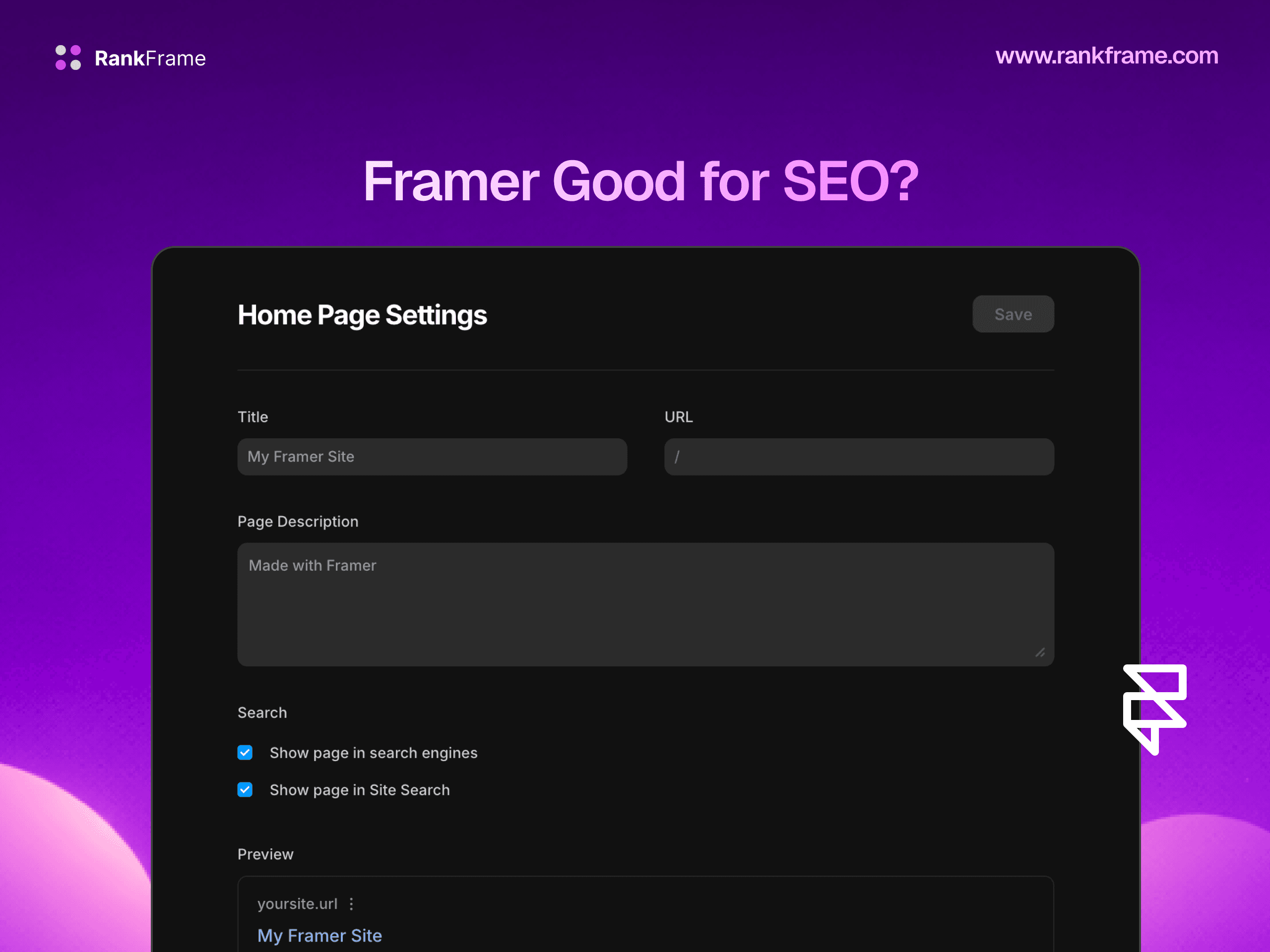
Titles and descriptions. Pages often keep the site name or a generic line as the title, and the meta description is empty or vague.
Alt text. Generated and stock images usually ship without it.
Heading tags. Big text can look like a heading but be tagged as a paragraph, or a page can end up with several H1s.
Schema. Framer has no schema settings, so the site has no structured data.
Copy. Generated copy is written to sound good, not to match the words your customers type into Google.
A 15-minute audit
See what Google has (2 minutes). Search
site:yourdomain.comand note which pages appear and how their titles read.Check titles and descriptions (4 minutes). Open Page Settings for each page and list any missing, duplicate or generic ones.
Check headings (3 minutes). One H1 per page, sections in H2 and H3.
Count images without alt text (3 minutes). Start with the home page and your main service or product pages.
Check the basics (3 minutes). A custom domain is connected, and no page you want found is hidden from search engines.
Or connect RankFrame and let the SEO Analyser score every page out of 100 and list the checks that failed. You can download the audit as a PDF.
Fix titles and descriptions
Give every page a unique title of 50 to 60 characters with the main keyword near the start and your brand at the end. Write a description of 150 to 160 characters that says what the visitor gets. For CMS pages, build both from collection fields in the template's Page Settings.
RankFrame meta tags shows the current title and description for each page beside an AI-written alternative, with live character counts. AI titles and descriptions are free and use no credits. For the manual route, see how to add meta descriptions in Framer.

Fix headings and copy
Set the hero heading as the page's only H1 and tag section headings as H2. Then rewrite the H1 and the first paragraph of each page around the words people search for, for example the service plus the city, or the product type. Keep the design, change the words.
Add alt text and schema
Alt text
Describe what each meaningful image shows in one short sentence and leave purely decorative images empty. RankFrame Image SEO lists every canvas, SVG and CMS image missing alt text and writes it with AI for 1 credit an image, translated into each language on your site. See Framer alt text for the details.

Schema
Add Organization and WebSite schema to the home page, and Article, Product or Service schema where it fits. RankFrame schema adds JSON-LD to every page and CMS item. Schema built from your page details is free. AI schema costs 3 credits a page or 2 a CMS item, and Fix fills in missing fields for 1 credit. Read Framer schema markup for the types that matter.
Submit the site for indexing
Verify the site in Google Search Console, submit yourdomain.com/sitemap.xml and request indexing for your main pages. RankFrame Google indexing sends your sitemap and asks Google to recrawl up to 10 pages a day from inside Framer. Google still decides if and when each page is indexed. The step by step is in how to submit your Framer site to Google.
Checklist
Unique title and description on every page.
One H1 per page, sections in H2.
H1 and first paragraph rewritten around real search terms.
Alt text on every meaningful image.
Schema on the home page and key pages.
Custom domain connected, no money page hidden from search.
Site verified in Search Console and sitemap submitted.
For everything else, the Framer SEO guide covers the full setup.
Related features
SEO Analyser: Score every page and see what to fix first.
Meta tags: Write and check titles and descriptions for every page, with free AI suggestions.
Image SEO: Find every image missing alt text and write it in bulk.
Frequently asked questions
Is a Framer AI site bad for SEO?
No. It is published the same way as any Framer site, as fast static pages with a sitemap. The gaps are the settings and copy: titles, descriptions, alt text, heading tags and schema.
Put this guide to work in Framer
RankFrame handles meta tags, schema, alt text and Google indexing from inside the Framer editor. Try every feature free for 7 days.