8 min read
SEO Fundamentals
What is Technical SEO? Complete Beginner's Guide (2026)
Technical SEO is everything that happens between a search bot arriving at your site and your pages becoming eligible to rank. Crawlability, indexability, speed, and more.

Team 7 Seers
What is Technical SEO? Complete Beginner's Guide (2026)
Technical SEO Definition
Technical SEO refers to website and server optimizations that help search engine crawlers (like Googlebot and Bingbot) discover, access, render, interpret, and index your content effectively. It is one of the three core pillars of search engine optimization, alongside on-page SEO (content optimization) and off-page SEO (backlinks and authority signals).
The simplest way to think about it: technical SEO is the plumbing of your website. Visitors do not see it. Search engines absolutely do. When the plumbing works, content flows smoothly to the index and rankings respond to your other SEO efforts. When the plumbing leaks, no amount of polish on top makes a difference.
Technical SEO is not a one-time setup. It is an ongoing discipline. Sites grow, frameworks change, third-party scripts get added, redesigns ship, and what was healthy six months ago can quietly degrade into a slow, half-indexed mess. Most SEO problems that look like ranking drops are technical issues hiding underneath.
Why Technical SEO Matters
If a search engine cannot crawl your page, it cannot index it. If it cannot index it, your page cannot appear in search results. Every other SEO activity (writing better content, earning backlinks, optimizing titles) only works if the technical foundation lets search engines actually see your work.
Beyond simple visibility, technical SEO directly influences ranking signals:
Page experience signals like Core Web Vitals are confirmed Google ranking factors.
Mobile usability affects rankings under Google's mobile-first indexing.
HTTPS is a lightweight ranking signal and a hard requirement for trust signals in modern browsers.
Structured data unlocks rich results that increase click-through rate even when ranking position is unchanged.
Site architecture shapes how PageRank flows through your pages and which content gets prioritized for crawling.
A site with weak technical SEO leaves rankings, traffic, and revenue on the table. A site with strong technical SEO compounds the value of every piece of content and every backlink it earns.
Technical SEO vs On-Page SEO vs Off-Page SEO
SEO is conventionally divided into three pillars. Understanding the boundaries helps you diagnose where a problem lives and which workstream owns the fix.
Dimension | Technical SEO | Off-Page SEO | |
|---|---|---|---|
Focus | Site infrastructure and crawlability | Individual page content and HTML | External authority signals |
Examples | Sitemaps, robots.txt, schema, HTTPS, Core Web Vitals, hreflang | Title tags, headings, content, internal links, image alt text | Backlinks, brand mentions, PR, social signals |
Who controls it | You (developer or SEO with CMS access) | You (writer, editor, SEO) | Mostly external parties |
Time to impact | Often immediate after recrawl | Days to weeks | Weeks to months |
If neglected | Pages do not get indexed; rankings stall | Pages rank for the wrong queries or not at all | Authority lags behind competitors |
The three pillars are interdependent. Great content (on-page) without technical SEO never gets seen. Perfect technical SEO without content has nothing to rank. Both without backlinks (off-page) struggle to outrank established competitors. The right strategy treats all three as a system.
1. Crawlability (robots.txt and sitemap.xml)
Crawlability is the search engine bot's ability to discover and access pages on your site. If a bot cannot reach a page, the page will not appear in search results regardless of how good the content is.
robots.txt
The robots.txt file lives at the root of your domain (e.g. https://example.com/robots.txt) and tells search engine crawlers which paths they may or may not crawl. A misconfigured robots.txt is one of the most common and most damaging technical SEO mistakes. A single line like Disallow: / can de-index an entire website.
User-agent: *
Allow: /
Disallow: /admin/
Disallow: /cart/
Sitemap: https://example.com/sitemap.xml
XML sitemap reference
Your robots.txt should reference your XML sitemap, giving crawlers a direct path to your full URL list. The sitemap itself is the canonical list of pages you want indexed.
Crawl budget
Larger sites need to think about crawl budget: the number of pages a bot will crawl on your site in a given window. Wasting crawl budget on duplicate parameters, faceted navigation, or thin pages prevents bots from reaching important content. Use robots.txt and noindex strategically to direct crawlers toward valuable URLs.
2. Indexability (Meta Robots, Canonicals, Noindex)
Crawlability gets the bot to the page. Indexability determines whether the page is stored in the search engine's database and made eligible for ranking.
Meta robots tag
The <meta name="robots"> tag in the HTML head of a page controls indexing instructions. The most common values are:
index, follow(the default): index this page and follow its links.noindex, follow: do not index this page, but follow its links.noindex, nofollow: do not index this page and do not pass authority through its links.
Canonical tags
The <link rel="canonical"> tag tells search engines which URL is the master version when the same or very similar content appears on multiple URLs. Canonicalization issues (missing canonicals, self-referencing canonicals on the wrong URL, canonicals pointing to redirects) cause duplicate content problems and split ranking signals.
Common indexability mistakes
Accidentally leaving
noindextags on production pages after a launch.Canonicalizing every page to the homepage (collapses the site to one indexable URL).
Canonicalizing paginated pages to page one (causes deep content to be ignored).
Mismatched canonical and hreflang signals on international pages.
3. Site Architecture (URL Structure, Internal Linking, Breadcrumbs)
Site architecture is how pages relate to each other. A clean architecture helps users find content, helps crawlers prioritize important pages, and concentrates link equity where it matters most.
URL structure
Good URLs are short, descriptive, and stable. Use lowercase letters, hyphens between words (not underscores), and avoid IDs or session parameters where possible. A URL like /blog/what-is-technical-seo is far better than /p?id=4729&cat=12.
Internal linking
Internal links pass authority and tell search engines which pages matter. A flat architecture (every important page reachable within three clicks of the homepage) generally outperforms deep hierarchies. Topic clusters, in which a pillar page links out to related cluster pages and each cluster page links back to the pillar, are an effective modern internal linking pattern.
Breadcrumbs
Breadcrumb navigation helps users understand where they are and helps search engines understand site hierarchy. Marked up with BreadcrumbList schema, breadcrumbs can replace long URLs in Google search results, improving click-through rate.
4. HTTPS and SSL
HTTPS encrypts the connection between your site and the visitor's browser using SSL/TLS. Google confirmed HTTPS as a ranking signal in 2014, and modern Chrome marks any non-HTTPS site as "Not Secure" in the address bar. Today, HTTPS is non-negotiable.
Common HTTPS technical SEO issues:
Mixed content: HTTPS pages loading HTTP assets (images, scripts), which browsers block or warn about.
Missing redirects: HTTP versions of URLs not 301-redirected to HTTPS, causing duplicate content.
Expired or misconfigured certificates: result in browser warnings that crater traffic until fixed.
Inconsistent canonicals: canonical tags pointing to HTTP versions of HTTPS pages.
5. Mobile Responsiveness
Google uses mobile-first indexing, meaning the mobile version of your page is the version Googlebot crawls and indexes. If your mobile experience hides content, breaks structured data, or fails core usability tests, your rankings on both mobile and desktop suffer.
Responsive design (a single codebase that adapts to viewport size) is the recommended approach. Test mobile usability with Google's Mobile-Friendly Test and review the Mobile Usability report in Search Console.
Key mobile checks: tap targets are large enough, font sizes are readable without zoom, content does not overflow the viewport, intrusive interstitials do not block content, and the same content and structured data appears on mobile as on desktop.
6. Page Speed and Core Web Vitals
Page speed is a confirmed ranking factor and a critical user experience signal. Google measures performance through Core Web Vitals, a set of three metrics that quantify how fast, responsive, and stable a page feels in the browser.
Metric | What it measures | Good threshold |
|---|---|---|
LCP (Largest Contentful Paint) | How quickly the largest visible element loads | Under 2.5 seconds |
INP (Interaction to Next Paint) | Responsiveness to user interactions (replaced FID in 2024) | Under 200 milliseconds |
CLS (Cumulative Layout Shift) | Visual stability while the page loads | Under 0.1 |
Common speed wins: compress and lazy-load images, serve images in modern formats (WebP/AVIF), minimize render-blocking JavaScript, use a CDN, set explicit width and height on media to prevent layout shift, and preload critical fonts. Measure real-world performance with the Chrome User Experience Report (CrUX) data exposed in Search Console and PageSpeed Insights, not lab data alone.
7. Structured Data and Schema Markup
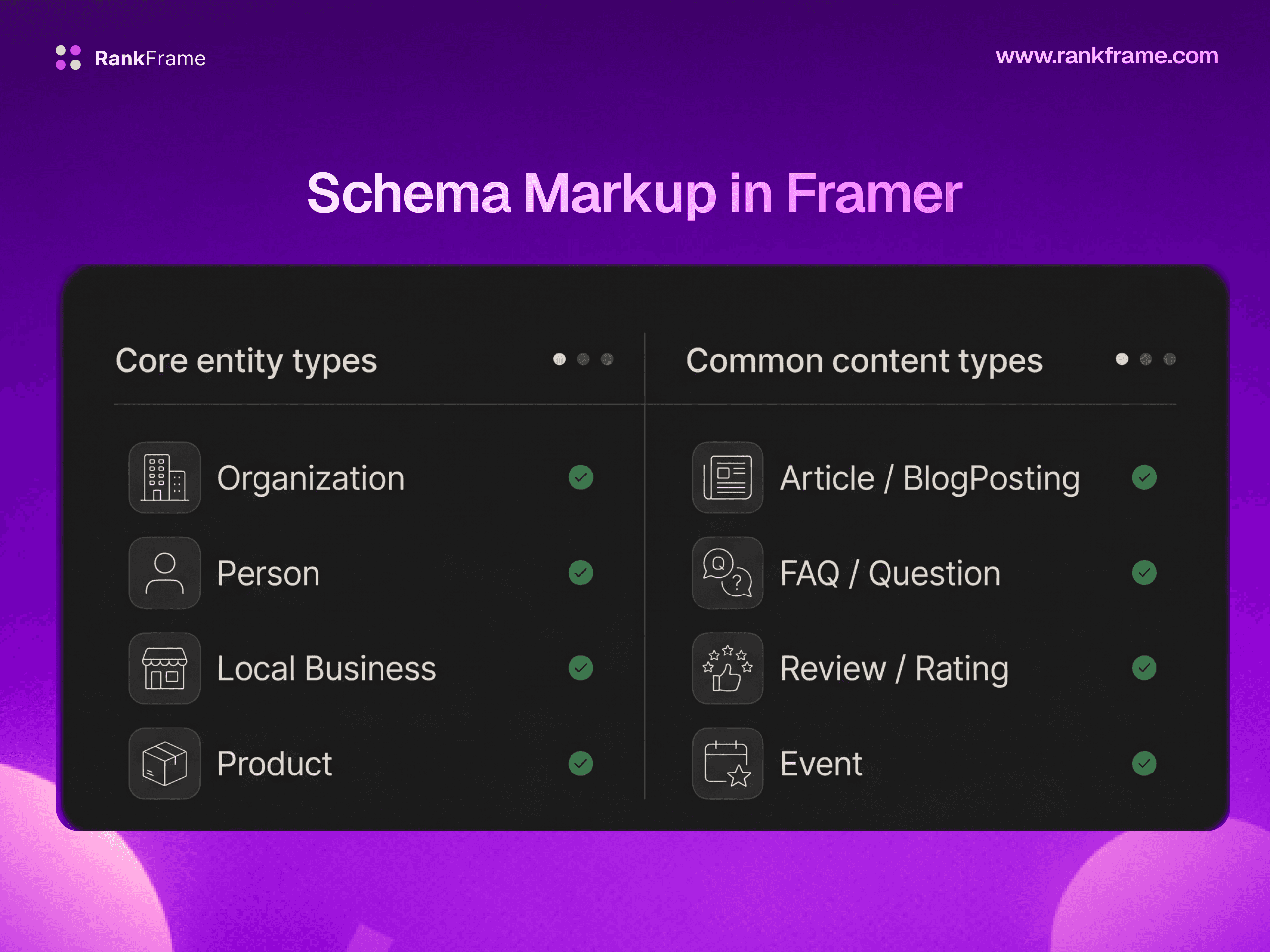
Structured data is a standardized format (almost always JSON-LD using schema.org vocabulary) that explicitly describes the meaning of page content to search engines. Schema unlocks rich results: enhanced search listings with stars, prices, FAQs, breadcrumbs, video thumbnails, and other elements that increase visibility and click-through rate.
The most common schema types worth implementing:
Article or BlogPosting for editorial content.
Product with Offer and AggregateRating for ecommerce.
FAQPage for pages with question-and-answer sections.
HowTo for step-by-step guides.
BreadcrumbList for site navigation.
Organization and LocalBusiness for entity recognition.
Review for editorial reviews of products, services, or media.
Always validate schema with the Rich Results Test and the Schema.org Validator. Invalid schema does not help and can be silently ignored.
8. XML Sitemap
An XML sitemap is a file that lists all the URLs you want search engines to crawl and consider for indexing. It is a discovery aid, especially for new sites, large sites, sites with weak internal linking, or sites with isolated content.
Best practices:
Include only canonical, indexable URLs that return 200 status codes.
Exclude noindexed pages, redirected URLs, and pages blocked by robots.txt.
Keep each sitemap under 50,000 URLs and 50MB uncompressed; split into multiple sitemaps with a sitemap index file if needed.
Reference the sitemap in robots.txt and submit it through Google Search Console.
Update the
lastmoddate when content meaningfully changes (do not lie about updates).
9. Hreflang for International Sites
If your site serves multiple languages or regions, hreflang annotations tell Google which language and region each URL targets. Implemented correctly, hreflang prevents the wrong language version from ranking in the wrong country and avoids duplicate content issues across regional variants.
Hreflang is technical and unforgiving. Each variant must reference every other variant, including itself. Always include an x-default for users whose language or region does not match a defined variant. Mistakes here are common, so audit hreflang separately from your general technical SEO crawl.
10. Pagination
Paginated archives (blog index pages, category pages, search result pages) need careful handling so that deep content remains discoverable without splitting ranking signals across many near-duplicate URLs.
Modern best practice: each paginated URL should be self-canonical, indexable, and link clearly to the next and previous pages. Avoid the old practice of canonicalizing all pages to page one (which de-indexed deep content), and avoid noindexing all paginated pages (which orphaned the linked content). The rel="next" and rel="prev" tags are no longer used by Google as ranking hints, but the linked navigation between pages remains essential for crawlability.
11. JavaScript SEO and Rendering
If your site is built with a JavaScript framework (React, Vue, Svelte, Framer, Next.js, etc.), Google has to render the page (execute the JavaScript) before it can see the final HTML. Rendering is expensive and happens in a second wave after initial crawling, which means JavaScript-heavy sites can experience slower indexing and partial content visibility if rendering fails.
Rendering strategies, ranked by SEO friendliness:
Static site generation (SSG): pages are pre-rendered to HTML at build time. Best for SEO. Used by Framer, Astro, Next.js (in static mode).
Server-side rendering (SSR): pages are rendered on the server per request and served as full HTML. Strong for SEO.
Hybrid (ISR, partial prerendering): pre-render most content, hydrate dynamic parts client-side. Good for SEO with care.
Client-side rendering (CSR): server returns a near-empty HTML shell and the browser renders everything via JS. Worst for SEO.
Diagnose JavaScript rendering issues with Google Search Console's URL Inspection tool. View the rendered HTML and screenshot. If your important content (headlines, body, internal links, structured data) is missing from the rendered output, you have a rendering problem to fix.
12. 404 Errors and Redirects
Broken pages and broken links are normal in any sufficiently large site. Handling them correctly is the difference between a healthy site and a leaky one.
404s
A 404 status code (Not Found) is the correct response when a page does not exist and you do not have a replacement. A small number of 404s is healthy and expected. What you want to avoid: soft 404s (a page that says "not found" but returns a 200 status code), and 404s on URLs that have inbound links or rankings worth preserving.
301 vs 302 redirects
Use a 301 (Moved Permanently) redirect when a URL is gone for good and you want ranking signals consolidated to the new URL. Use a 302 (Found) redirect for temporary moves. The wrong choice can prevent ranking signals from passing through, costing you traffic.
Redirect chains
Avoid redirect chains (URL A redirects to B, which redirects to C, which redirects to D). Each hop dilutes signals and slows crawl. Always update internal links to point to the final URL directly, and shorten redirect chains during audits.
Tools for Technical SEO
You do not need every tool on the market. Build a stack that covers monitoring, crawling, performance, and validation.
Free. Indispensable. Monitors indexing, Core Web Vitals, crawl errors, and search performance.
Screaming Frog
Desktop crawler. Audits up to 500 URLs free, unlimited with paid license. Industry standard.
Lighthouse
Built into Chrome DevTools. Runs SEO, performance, accessibility, and best-practice audits per page.
Sitebulb
Crawler with strong visualization and prioritized hint reports. Excellent for client-facing audits.
Ahrefs Site Audit
Cloud-based crawler with scheduled monitoring, integrated with Ahrefs' broader keyword and backlink data.
PageSpeed Insights
Free. Combines lab (Lighthouse) and field (CrUX) Core Web Vitals data for any URL.
Rich Results Test
Validates structured data and previews eligibility for Google rich results.
Schema.org Validator
Strict schema syntax validation independent of Google's rich result eligibility rules.
Bing Webmaster Tools
Free counterpart to Search Console. Useful for Bing visibility and an extra source of crawl insights.
How to Run a Technical SEO Audit
A technical audit follows a repeatable order so nothing important is missed:
Crawl the full site with Screaming Frog or Sitebulb. Capture status codes, titles, meta descriptions, canonicals, headers, and indexability flags.
Cross-check with Search Console. Compare the crawl list against indexed URLs. Investigate why pages are excluded.
Audit the sitemap and robots.txt. Confirm the sitemap is current, references only canonical 200-status URLs, and that robots.txt is not blocking anything important.
Check Core Web Vitals in Search Console and PageSpeed Insights. Identify the templates (not just individual URLs) with the worst performance.
Validate structured data across major page templates with the Rich Results Test.
Audit redirects: find chains, loops, and 4xx-redirected URLs. Fix at the source.
Review internal linking. Identify orphan pages and overlinked or underlinked clusters.
Render-test critical templates with the URL Inspection tool to confirm JavaScript is not hiding content from Google.
Document findings by impact and effort. Fix high-impact, low-effort items first.
Audit cadence
Stable sites: full audit twice a year, monitoring continuously through Search Console. Active sites publishing weekly: lightweight monthly audit, deep quarterly audit. Always audit after migrations, redesigns, or major content launches.
If You Have a Framer Site
Framer handles a lot of technical SEO automatically, which is one of the reasons it is popular with designers and small teams who do not want to manage infrastructure. Out of the box, every Framer site gets:
An automatically generated XML sitemap at
/sitemap.xml, kept in sync with your published pages and CMS items.A default robots.txt that allows crawling of all public pages and references the sitemap.
HTTPS by default on every Framer-hosted site, with valid SSL certificates managed by Framer.
Mobile-responsive rendering through Framer's breakpoint system; you design once and Framer outputs the responsive HTML.
Lazy loading and image optimization for assets uploaded through Framer's media manager, including modern formats.
Static rendering at publish time, which means search engines see fully rendered HTML rather than client-side React, eliminating most JavaScript SEO concerns.
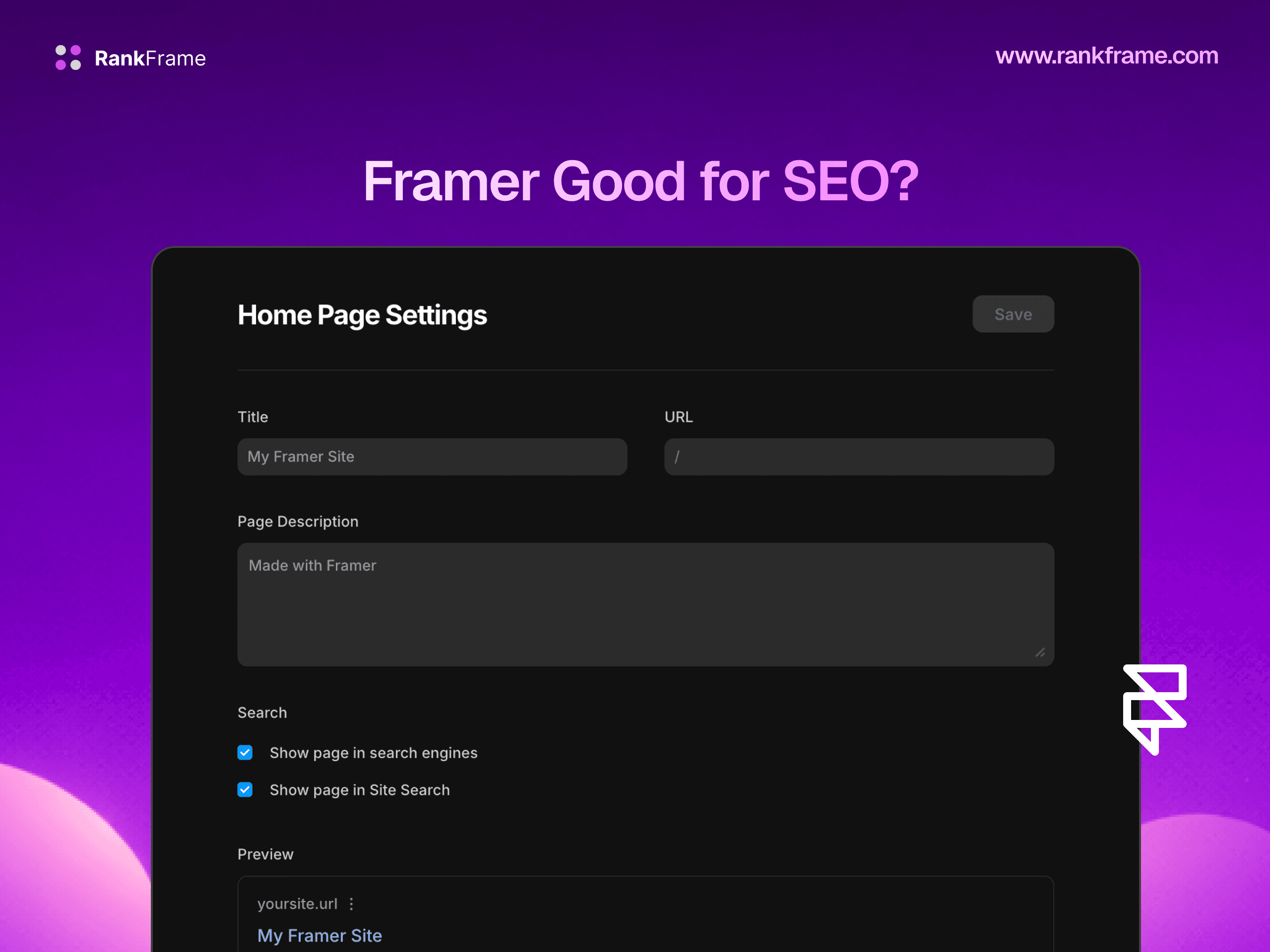
Per-page title tag, meta description, and canonical controls in Page Settings.
What Framer does not handle natively, and where you still need a tool:
Schema markup beyond basic Open Graph: Article, FAQ, Product, HowTo, BreadcrumbList, Organization, and Review schemas need to be added per page or template.
IndexNow and Google Indexing API submissions for instant URL discovery after publishing.
Image alt text auditing and compression beyond defaults, and bulk image SEO management.
Keyword tracking and rank monitoring tied directly to the pages you publish.
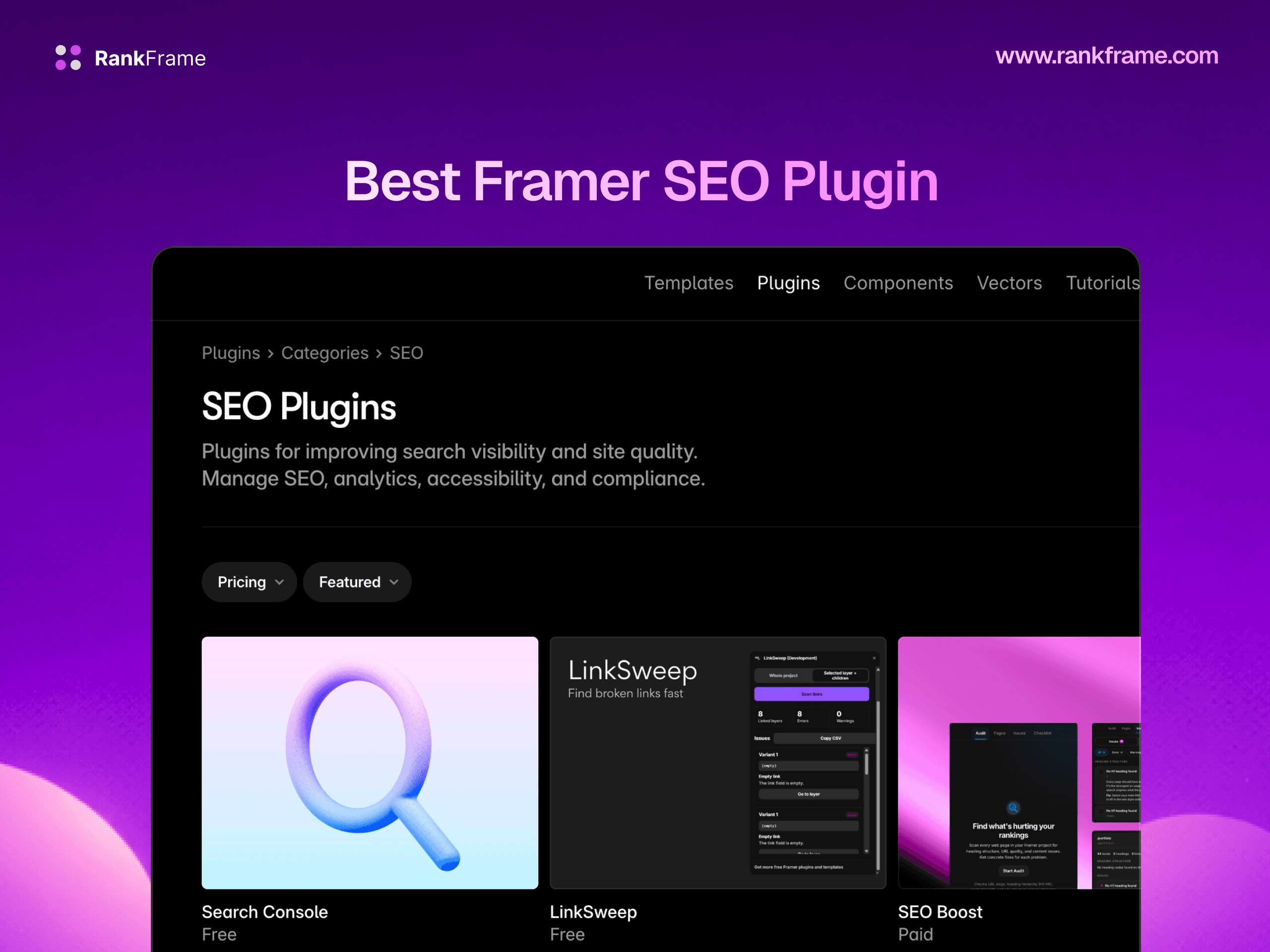
Site-wide audits that flag missing meta tags, broken internal links, orphan pages, and Core Web Vitals regressions inside the Framer editor.
RankFrame is built specifically to fill those gaps for Framer. It runs inside the Framer editor and handles schema injection, indexing API submissions, image SEO, on-page audits, and keyword tracking, so you keep Framer's design-first workflow and add the technical SEO depth that ranking competitively requires.
Frequently asked questions
What is technical SEO in simple words?
Technical SEO is the work you do on your website's infrastructure so search engines can find, read, understand, and rank your pages. It includes things like making sure Google can crawl your site, that pages load quickly, that your site works on mobile, that you have an XML sitemap, that pages use HTTPS, and that structured data is in place. It is the foundation that allows on-page content and backlinks to actually drive rankings.