
<- Go Back
Pages
Per-Page SEO Audit
The Per-Page Audit runs Basic SEO, Advanced SEO, Performance, and Security checks on a single Framer page. Each red X expands to show the actual problematic HTML.
Last Updated on
Read Time
3 min read
How the audit is structured

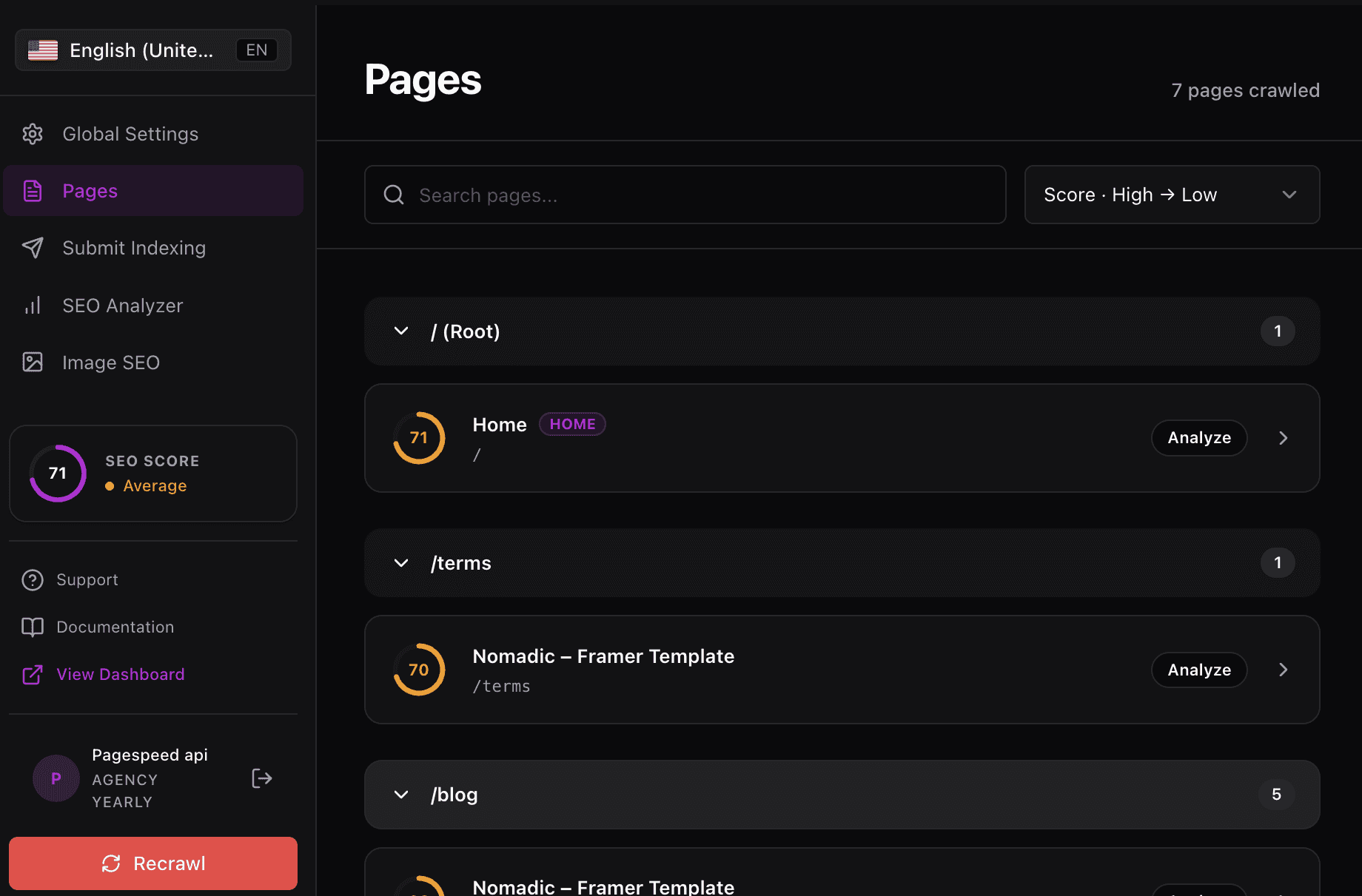
The per-page audit runs the same analyser as the site-wide SEO Analyzer, scoped to one page. Open Pages, expand a folder and click Analyze on any page. Checks are grouped into Green Zone, Red Zone, Warnings and Speed.
This is the same engine as the site-wide SEO Analyzer. The difference is scope: the Analyzer crawls your whole site, while the per-page audit reports on a single page so you can fix and re-run without waiting for a full crawl.
1. Basic SEO section
Ten foundational checks that every page should pass. Red X items expand to reveal the offending HTML, for example the exact img tags missing alt attributes.
Basic SEO checks
SEO Title: validates length and quality. Warns if the title runs over 70 characters.
H1 Heading: confirms a single H1 is present.
H2 Headings: counts H2s and reports on heading structure.
Links Ratio: shows the percentage of internal versus external links and warns when the ratio is low, for example
53.3%.SEO Description: validates length and warns when over 165 characters. Recommends 150 to 160.
Image ALT Attributes: counts missing alts and expands to show every
imgtag without one.Homepage Is Reachable: confirms the homepage returns a 200 status.
Create a responsive site: verifies responsive design via media queries.
Keywords in Title and Description: confirms a shared keyword between the two fields.
Common Keywords: lists the top single-word keywords on the page as visual pills.
2. Advanced SEO section
Twelve checks covering crawlability, social metadata, schema, and three visual previews you can use to confirm the page renders correctly on desktop and mobile.
Advanced SEO checks
Sitemaps: confirms a sitemap is published.
Broken Links: scans for links that return errors.
Noindex Meta: verifies the page is not accidentally noindexed.
Canonical Tag: confirms the canonical link is set.
OpenGraph Meta: validates social sharing tags.
Schema Meta Data: detects JSON-LD structured data.
WWW Canonicalization: verifies the www and non-www versions resolve consistently.
Keep your content fresh: flags pages that have not been updated recently.
Search Preview: informational. Renders the desktop Google snippet.
Mobile Snapshot: informational. Renders a mobile preview of the page.
Mobile Search Preview: informational. Renders the mobile Google snippet.
Open the three preview checks side by side before launch. They catch layout issues that automated checks miss, like a hero image that swallows the headline on small screens.
3. Performance section
Five performance checks that affect both rankings and user experience. Each returns a measurable value such as kilobytes, milliseconds, or a count.
Performance checks
Page Size: warns when the page is moderately large, for example
50.51 KB.Mobile Speed: rates mobile speed as good, fair, or poor.
Page Objects: counts the resources loaded by the page, for example
47.Response Time: measures server response time in milliseconds.
Image Headers Expire: confirms images send appropriate caching headers.
4. Security section
Two checks that protect the page and the trust signals search engines look for.
Security checks
Theme Visibility: confirms your Framer theme is not publicly accessible.
Secure Connection: confirms the page is served over HTTPS.
Red X expandable details
This is the difference between a generic checklist and an actionable audit. When Image ALT Attributes fails, you do not just see a count. You see every offending tag so you can jump back into Framer and fix the right image.
Click the red X next to a failing check: The row expands to reveal the diagnostic detail.
Read the offending HTML: Find the exact element causing the failure, like an
imgtag missing its alt attribute.Fix the element in Framer: Use the asset name or surrounding context to locate the layer and apply the fix.
Re-run the audit: Reopen the page in RankFrame to confirm the check now passes.
The Per-Page Audit only inspects a single page. For sitewide patterns, like missing alts across many pages, run the SEO Analyzer in Module 6.
Auditing each language version
Audits run per locale. Switch language in the plugin sidebar and run the audit again to score that language version of the page. Each locale keeps its own score, checks and speed data.
Frequently asked questions
How is the Per-Page Audit different from the SEO Analyzer?
The SEO Analyzer in Module 6 runs site-wide checks across every page. The Per-Page Audit drills into a single page so you can fix issues one at a time.