
<- Go Back
Troubleshooting
Troubleshooting Overview
Most RankFrame issues fall into a small set of categories. This overview maps the most common symptoms to the right fix or article. Before contacting support, run through the checklist below: most issues resolve in under five minutes.
Last Updated on
Read Time
4 min read
Common Issue Categories
Google Connection Not Working
Symptom: Submit Indexing shows "Not Connected", Analytics data is blank, or the Keyword Tracker fails to load.
Cause: Your OAuth token has expired or you connected the wrong Google account.
Fix: Open the Submit Indexing panel, go to the Setup tab, click the red Disconnect link, then reconnect with the correct Google account. See the full guide: Fixing Google Connection Issues.
Indexing Not Submitting
Symptom: The Push URLs button is greyed out or submissions appear to fail silently.
Cause: Trial accounts are limited to 2 URL submissions. Domain verification may also be incomplete.
Fix: Open Submit Indexing and check the Setup tab for the Domain Verification step status. If you have reached the trial limit, click See Billing to upgrade. See the full guide: Fixing Indexing Issues.
AI Generation Not Working or Producing Blank Output
Symptom: Clicking Generate in Image SEO or meta fields produces nothing, a loading spinner that never finishes, or empty results.
Cause: Your AI credit balance has reached zero, or the Personalization tab is empty (no brand context for generation).
Fix: Check the credits badge in the Image SEO header. If credits are at zero, upgrade or purchase more. Open the Personalization tab and confirm your site name, brand description, and tone are filled in.
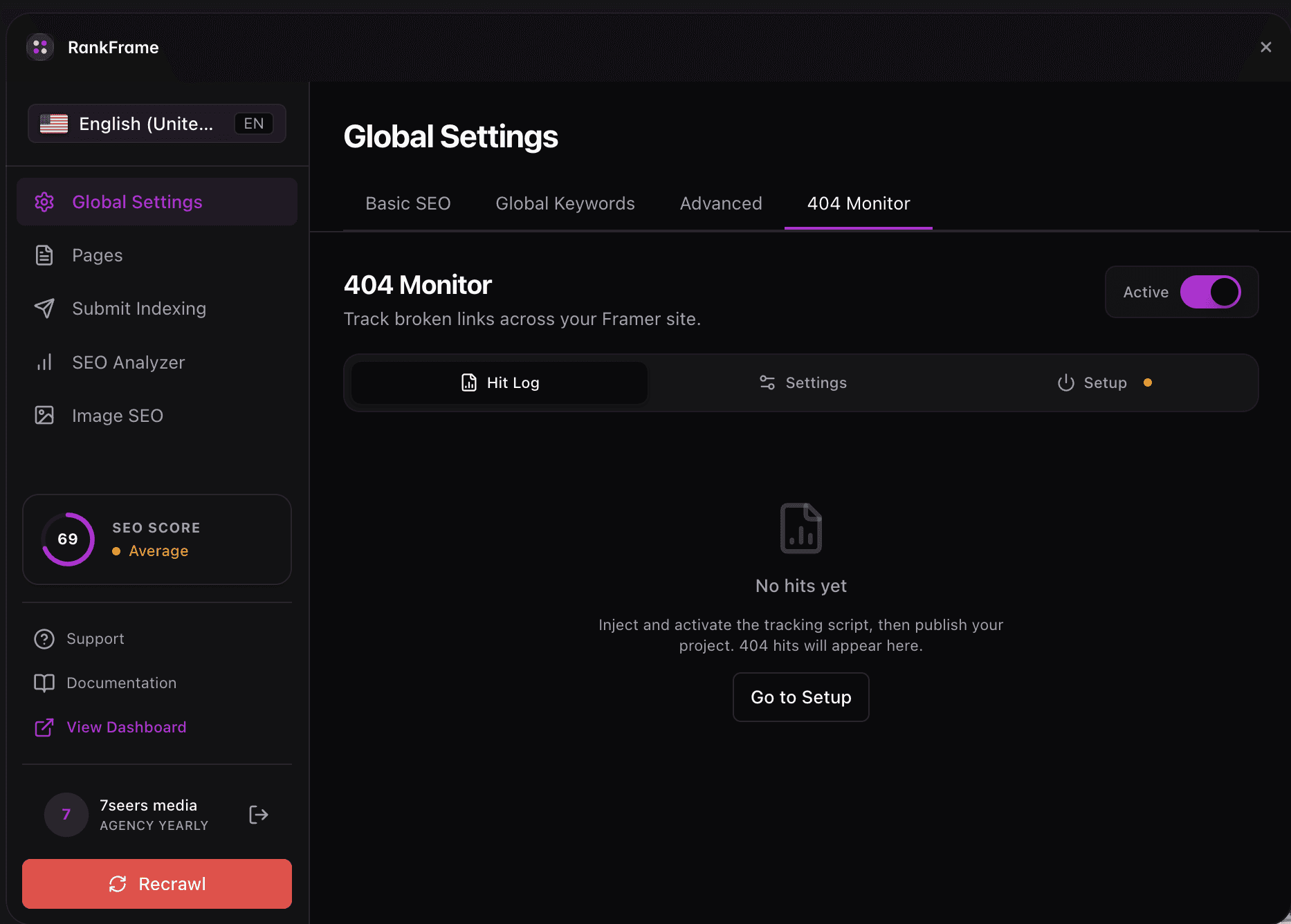
404 Monitor Not Tracking Errors
Symptom: The 404 Monitor panel shows no errors even though broken links exist on your site.
Cause: The monitoring script toggle is off, or the domain listed in Allowed Domains does not match your live site domain exactly.
Fix: Go to the 404 Monitor tab, enable the tracking toggle, and verify the domain in Allowed Domains matches your published site URL (no trailing slash, correct subdomain).
Schema Not Injecting
Symptom: Structured data does not appear in Google's Rich Results Test or the page source after enabling schema types.
Cause: The Schema Injection master toggle in Global Settings is off, or you enabled individual schema types without clicking Save and Inject afterward.
Fix: Go to Global Settings > Advanced tab, confirm the Schema Injection master toggle is on, enable the schema types you need, then click Save and Inject.
Images Not Appearing in Image SEO
Symptom: The Image SEO panel is empty or shows far fewer images than you have published on the site.
Cause: RankFrame's image index is out of date. This happens when new pages were published after the last crawl.
Fix: Click the Recrawl Website button (the red/coral button in the plugin sidebar). RankFrame will re-fetch all pages and repopulate the image list within a few seconds.
Plugin Showing Stale Data
Symptom: Meta titles, descriptions, or page lists in RankFrame do not match what is currently published on your Framer site.
Cause: RankFrame caches your site data from the last crawl. If you have published changes in Framer since then, the plugin has not yet seen them.
Fix: Click Recrawl Website in the sidebar. This refreshes all pages, meta data, and image references.
Can't Find a Feature
Symptom: You know RankFrame has a feature but cannot locate it in the interface.
Use the quick map below to find the right panel for each feature.
Feature | Where to Find It |
|---|---|
Meta titles and descriptions (global defaults) | Global Settings > Basic tab |
Schema / structured data | Global Settings > Advanced tab |
URL submission / indexing | Submit Indexing panel |
Keyword rank tracking | Submit Indexing > Keyword Tracker tab |
Image alt text generation | Image SEO panel |
Site audit and SEO scoring | SEO Analyzer panel |
Page-level meta SEO | Pages panel |
Broken link detection | 404 Monitor tab |
Still Stuck? If none of the above resolved your issue, contact the 7 Seers support team at hello@7seersmedia.com. When you write in, include your Framer site URL, your current RankFrame plan, a description of what you tried, and any error text from the plugin. The green dot in the plugin sidebar indicates when the team is online for faster responses.
Frequently asked questions
What are the most common causes of RankFrame not working?
The most common causes are an expired or incorrect Google OAuth connection, a domain that has not been verified in the Setup tab, AI credits at zero, a disabled 404 monitor toggle, or a Schema Injection master toggle that has never been turned on.