
<- Go Back
Troubleshooting
Fixing 404 Monitor Not Tracking
The 404 Monitor uses a lightweight script injected on your Framer site to catch and log every 404 error in real time. When the monitor shows no errors or stops working, the cause is almost always one of six configuration issues. This article covers all of them.
Last Updated on
Read Time
3 min read
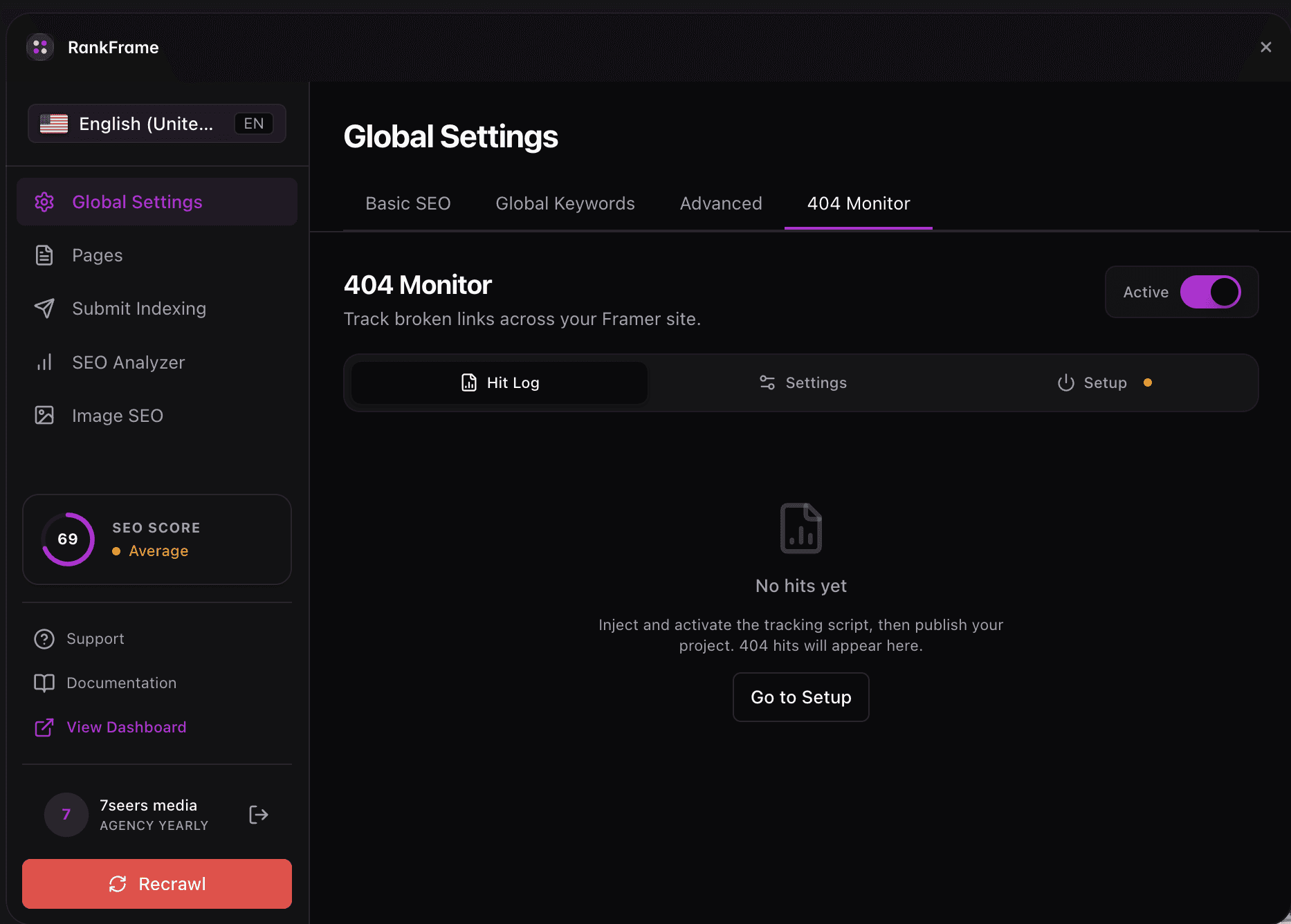
404 Monitor Setup Checklist: Script toggle is turned on in Global Settings > 404 Monitor tab. Your live domain is entered correctly in Allowed Domains (no https://, no trailing slash). Your Framer site has been published since you enabled the toggle. Intentional catch-all paths are added to Exception Routes so they are not logged as errors.
Script Toggle Is Off
Cause: The 404 Monitor Script toggle in the Global Settings 404 Monitor tab is disabled. When off, no monitoring happens at all.
Fix: Open Global Settings > 404 Monitor tab and flip the toggle on. Then publish your Framer site to push the script change live.
Wrong Domain in Allowed Domains
Cause: The domain in Allowed Domains does not match your live site domain exactly, so the script ignores all incoming 404 events.
Fix: Check the Allowed Domains list, remove any incorrect entries, and add your exact live domain. Enter it without https:// and without a trailing slash (for example: yourdomain.com).
New Site Not Yet Published
Cause: The monitoring script is injected at publish time. Enabling the toggle in RankFrame schedules the script for the next publish, but it is not active until you publish.
Fix: Publish your site in Framer, then wait for real visitors or bots to trigger 404 errors. The errors will appear in the table as they happen.
No Real 404 Errors Yet
Cause: The monitor is working correctly but your site genuinely has no broken URLs. This is the best possible outcome.
Fix: No action needed. Errors will appear automatically when real users or bots hit broken URLs on your site.
Too Many False Positives
Cause: Paths you use intentionally, such as catch-all routes or redirect testing paths like /404, are appearing as errors in the monitor table.
Fix: Add those paths to Exception Routes in the 404 Monitor tab. Paths listed in Exception Routes are ignored by the monitor going forward.
Total Errors Showing but Table Is Empty
Cause: The domain filter dropdown is set to a specific domain that has no errors logged, while other domains do have errors.
Fix: Set the domain dropdown above the errors table to All Domains to see every logged error across all your domains.
404 monitoring per language
Switch locale in the plugin and the 404 view switches with it, so you see the errors recorded for that language version only. Exception routes can be managed per locale as well as globally, and changes apply immediately without republishing.
Frequently asked questions
How quickly do 404 errors appear in the monitor after the script is enabled?
Errors appear in real time as visitors hit broken URLs. After publishing your Framer site with the script enabled, the next 404 hit from a real visitor will appear immediately in the 404 Monitor table.