
<- Go Back
Schema Markup
Book Schema
Book schema marks up a page about a book so Google can surface rich results including review ratings and edition details. RankFrame's Book schema form covers the book title, URL, author, review rating, and an Editions repeater for listing multiple formats.
Last Updated on
Read Time
4 min read
What book schema does
Book schema tells Google that a page is about a specific book. When the schema is valid and includes review data, Google may display review stars in search results. When edition data is included, Google can surface links to specific formats (Hardcover, Paperback, Ebook) directly in search.
This schema type is useful for author sites, book landing pages, and reading list pages built on Framer.
Book Schema Setup & Available Options
Now let’s have a closer look at each of the available options in detail.
Basic Info
1. Book Title

Enter the full title of the book exactly as it appears on the cover and title page. Do not abbreviate or alter the title. Google uses this to match the schema against its knowledge graph of books. This value populates the name property in the JSON-LD output.
2. URL

Enter the canonical URL of the page about this book. This should be the permanent, preferred address for this page. This value populates the url property in the JSON-LD output.
3. Author

Enter the full name of the book’s primary author. Use the name exactly as it appears in official publications and author profiles so Google can match the entity. This value populates the author.name property.
Review Details
The Review Details section adds a structured review to the book schema. Valid review data with a rating can trigger review stars in Google Search results.
4. Reviewer Name

Enter the name of the person or organization writing the review. The reviewer should be the website owner or a real person publishing an original review on this page, not a third-party aggregated rating. This value populates the review.author.name property.
5. Rating Value

Enter the numeric score given to the book in this review (for example, 4.5 on a 5-point scale). The value must be greater than or equal to 1 and less than or equal to the Best Rating value. This value populates the review.reviewRating.ratingValue property.
6. Best Rating
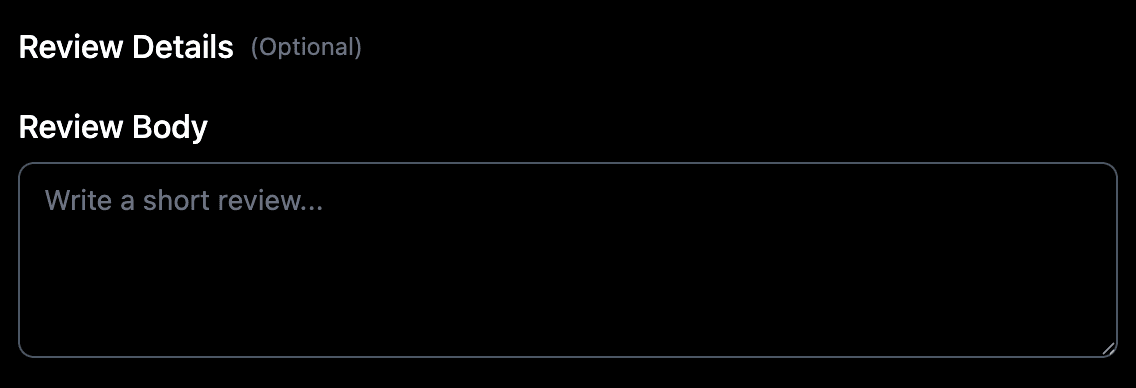
Enter the maximum possible score on your rating scale. If you rate books out of 5 stars, enter 5. This value must be greater than or equal to the Rating Value. This value populates the review.reviewRating.bestRating property.
Editions

The Editions section is a repeater. Click Add Edition to add a new row for each format of the book. Each row represents one edition and has four fields. Add as many rows as you have edition formats (Hardcover, Paperback, Ebook, Audiobook, etc.).
7. Format
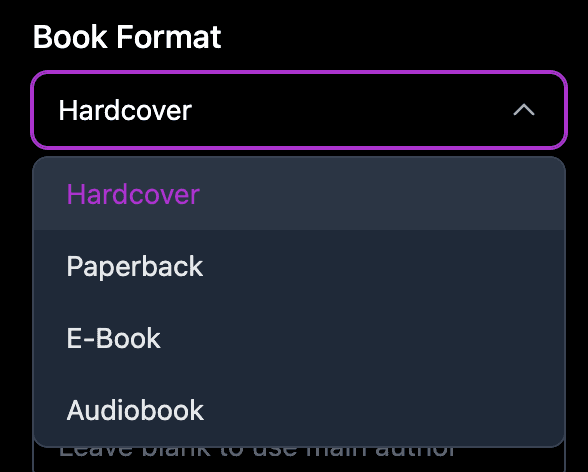
Enter the physical or digital format of this edition (for example, Hardcover, Paperback, Ebook, or Audiobook). This value populates the workExample.bookFormat property for this edition row.
8. ISBN
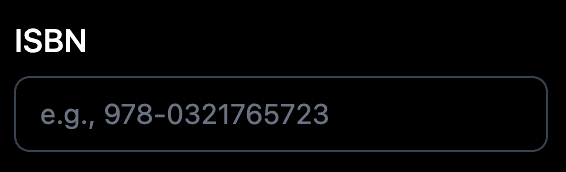
Enter the International Standard Book Number for this specific edition. Each format typically has a different ISBN. Use the ISBN-13 format when available. This value populates the workExample.isbn property.
9. URL
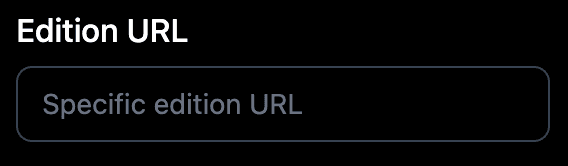
Enter a direct URL to a purchase page or download page for this specific edition format. This value populates the workExample.url property for this edition row.
10. Date
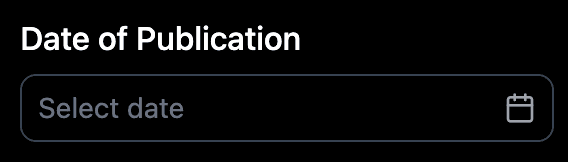
Enter the publication date for this specific edition in ISO 8601 format: YYYY-MM-DD. Different editions are often published on different dates. This value populates the workExample.datePublished property for this edition row.
Add one edition row per format. A book with Hardcover, Paperback, and Ebook editions needs three rows, one for each. Each row can have a different ISBN, URL, and publication date.
Saving and injecting
Click the Preview JSON tab to review the complete JSON-LD output including all editions.
Click Validator (Ext) to check the schema against Google Rich Results Test.
Click Copy JSON if you want a copy of the raw JSON-LD.
Click Save Schema to save it to Saved Schemas.
Toggle the schema on, then click Save and Inject.
Schema and multi-language sites
Schema is currently generated per page rather than per locale, so one set of structured data applies across your site. Per-locale schema is part of the updated schema flow planned for Q3 2026.
Frequently asked questions
What is Book schema used for?
It marks up a page about a book so Google understands the title, author, review score, and available edition formats. Valid book schema with review data can trigger review stars in Google Search results.