
<- Go Back
Schema Markup
Restaurant Schema
Restaurant schema is one of the most powerful schema types for local SEO. It feeds Google Maps, local pack results, and knowledge panels with your restaurant's name, address, phone, hours, cuisine, and menu. RankFrame's Restaurant schema form covers every field including per-day working hours with multi-shift support.
Last Updated on
Read Time
5 min read
What restaurant schema does
Restaurant schema is a subtype of LocalBusiness. It tells Google the essential details about a food service establishment: who they are, where they are, when they are open, what they serve, and how much it costs. Google uses this data to populate local search results, the local map pack, and knowledge panels.
For any Framer site representing a restaurant, cafe, bakery, or food business, this schema type is essential for local SEO visibility.
Restaurant Schema Setup & Available Options
Now let’s have a closer look at each of the available options in detail.
Basic Info
1. Name

Enter the official name of the restaurant exactly as it appears on signage, menus, and branding. Do not include the location or a tagline in this field. Consistency across your schema, Google Business Profile, and directory listings is important for Google’s local entity recognition. This value populates the name property in the JSON-LD output.
2. Description
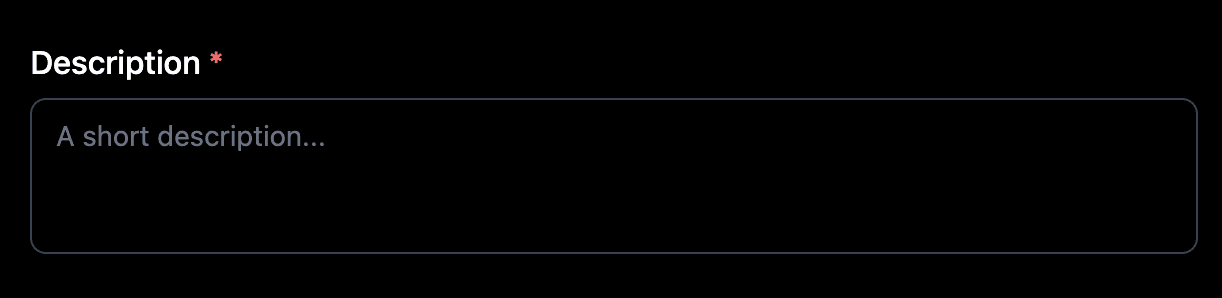
Write 1 to 3 sentences describing the restaurant. Include the cuisine type, the atmosphere or dining experience, and what makes this place unique. This value populates the description property in the JSON-LD output.
3. Phone
Enter the restaurant’s primary phone number including the country code (for example, +1-555-234-5678). This value populates the telephone property in the JSON-LD output.
Address
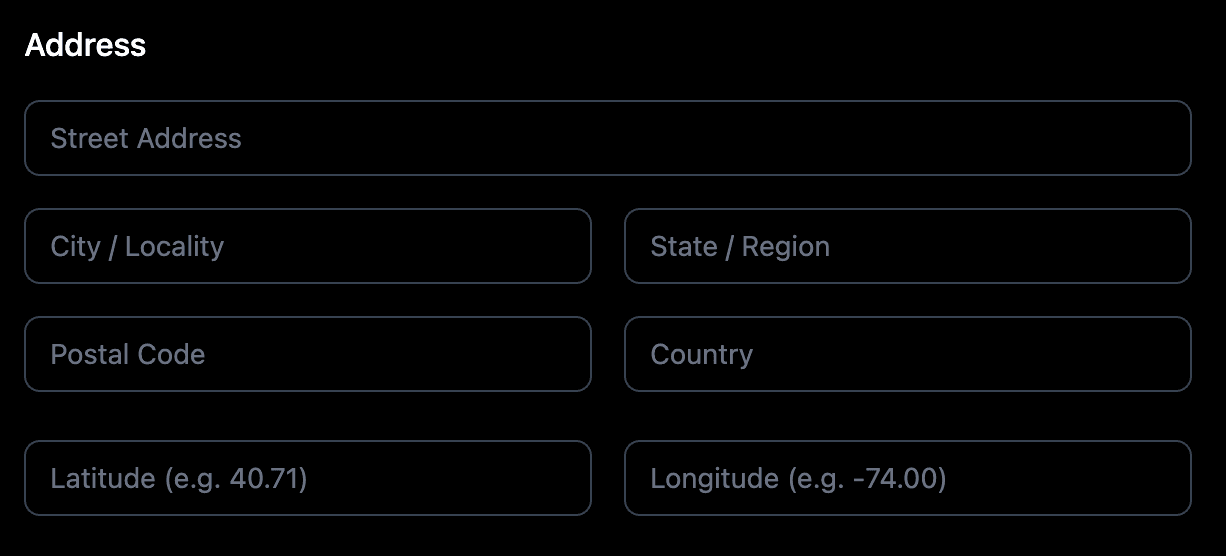
The Address section maps to the address object in the JSON-LD using the PostalAddress type. Fill every field that applies. Accuracy here is critical for Google Maps integration.
4. Street
Enter the street address including the building number and any suite or unit information. This should match the address as it appears on your Google Business Profile. This value populates the address.streetAddress property.
5. City
Enter the city or locality where the restaurant is located. Use the official city name, not a neighborhood or district name. This value populates the address.addressLocality property.
6. State
Enter the state, province, or region where the restaurant is located. You can use the full name or the standard abbreviation. This value populates the address.addressRegion property.
7. Postal Code
Enter the ZIP code or postal code for the restaurant’s location. This value populates the address.postalCode property.
8. Country
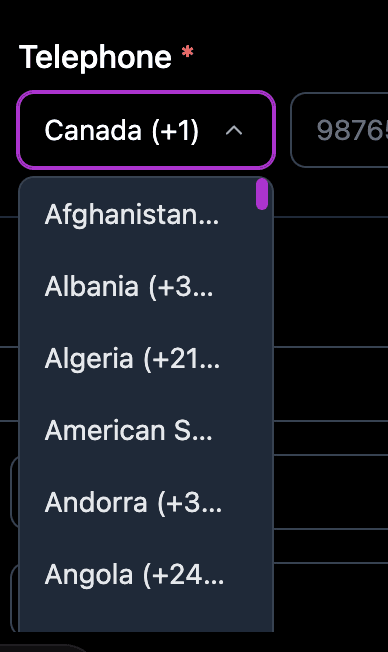
Enter the two-letter ISO 3166-1 alpha-2 country code (for example, “US” for United States, “GB” for United Kingdom). Always use the two-letter code, not the full country name. This value populates the address.addressCountry property.
Cuisine, Menu URL, Price Range
9. Cuisine

Enter the type or types of cuisine served at the restaurant (for example, “Italian”, “Japanese”, “Mediterranean”). You can list multiple cuisine types separated by commas. Be specific: “South Indian” is more useful than just “Indian”. This value populates the servesCuisine property.
10. Menu URL
Enter a direct URL to the online menu page. If the restaurant does not have an online menu page, leave this field empty. This value populates the hasMenu property in the JSON-LD output.
11. Price Range
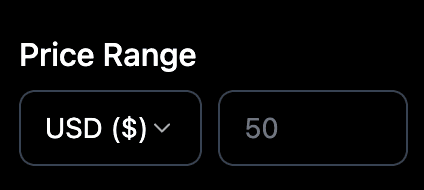
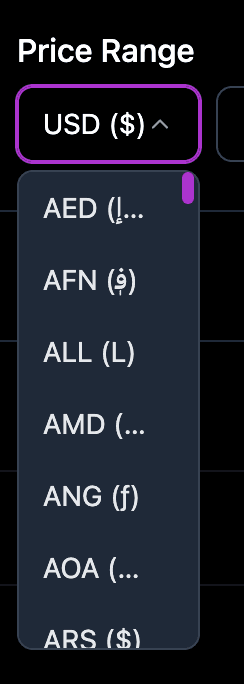
Enter the relative price level using dollar sign notation. Use $ for inexpensive, $$ for moderate, $$$ for expensive, and $$$$ for very expensive. This value populates the priceRange property.
Working Hours
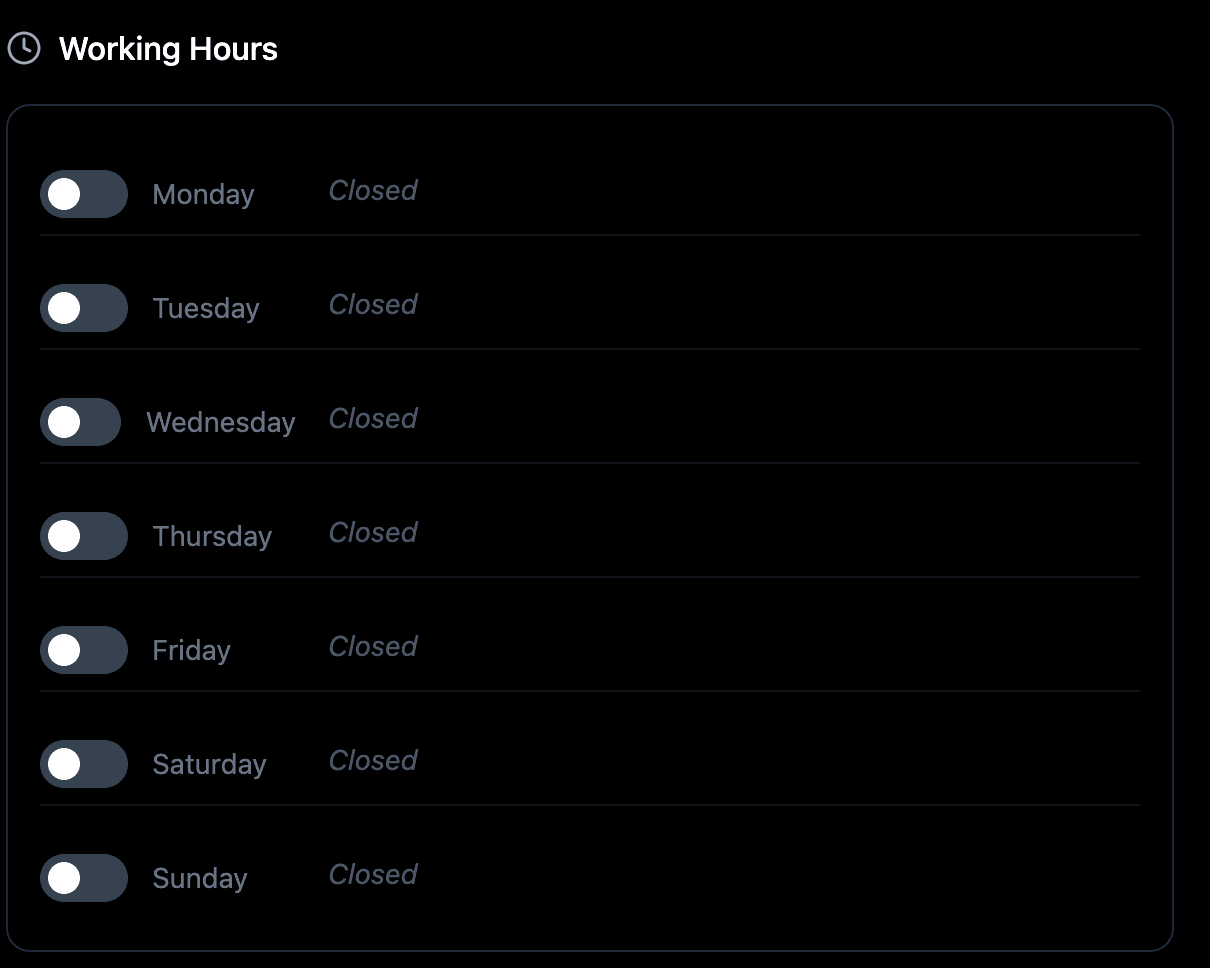
The Working Hours section lets you define opening hours for each day of the week. Each day has an individual toggle to mark it as open or closed. Days left off are treated as closed and excluded from the openingHoursSpecification in the JSON-LD.
12. Day Toggles (Monday through Sunday)
Toggle each day on to mark it as a day the restaurant is open. Days left toggled off are treated as closed and will not appear in the JSON-LD output.
13. Opens
Enter the opening time for a shift in 24-hour format (for example, 09:00 for 9 AM, 18:00 for 6 PM). For restaurants open in one continuous block, add one time slot per day. For multi-shift restaurants, add multiple rows. This value populates openingHoursSpecification.opens.
14. Closes
Enter the closing time for a shift in 24-hour format (for example, 15:00 for 3 PM, 22:30 for 10:30 PM). Each shift becomes a separate openingHoursSpecification entry in the JSON-LD output.
A restaurant open for lunch (12:00-15:00) and dinner (18:00-22:00) on Fridays needs two time slot rows for Friday. First row: Opens 12:00, Closes 15:00. Second row: Opens 18:00, Closes 22:00.
Saving and injecting
Click the Preview JSON tab to review the complete JSON-LD including the address object and opening hours specification.
Click Validator (Ext) to validate against Google Rich Results Test.
Click Copy JSON to copy the raw JSON-LD if needed.
Click Save Schema to save to Saved Schemas.
Toggle the schema on, then click Save and Inject.
Schema and multi-language sites
Schema is currently generated per page rather than per locale, so one set of structured data applies across your site. Per-locale schema is part of the updated schema flow planned for Q3 2026.
Frequently asked questions
What does Restaurant schema do for SEO?
It tells Google the business name, address, phone, cuisine, menu, price range, and opening hours. This data populates Google Maps, local pack results, and knowledge panels, significantly improving local SEO visibility.