
<- Go Back
Schema Markup
Service Schema
Service schema tells Google what service you offer, who provides it, where it is available, and how much it costs. Use this schema for agencies, studios, consultants, and any service-based business with a Framer website. This guide covers every field in the RankFrame Service schema form.
Last Updated on
Read Time
4 min read
What service schema does
Service schema describes a service offering to Google. It provides structured information about what the service is, who offers it, the geographic area it covers, contact details, and pricing. Google uses this data to understand service-based businesses and match them with relevant queries in local and general search results.
This schema type is ideal for Framer sites representing agencies, design studios, consulting practices, SaaS companies, legal firms, financial advisors, and any business whose primary offering is a service rather than a physical product.
Service Schema Setup & Available Options
Now let’s have a closer look at each of the available options in detail. The form contains nine fields across two groups: service details and contact and pricing.
Service Details
1. Service Name

Enter the name of the specific service you are marking up (for example, “Brand Identity Design”, “SEO Consulting”, or “Web Development”). If you offer multiple services, create a separate schema entry for each one bound to its own page. This value populates the name property in the JSON-LD output.
2. Description
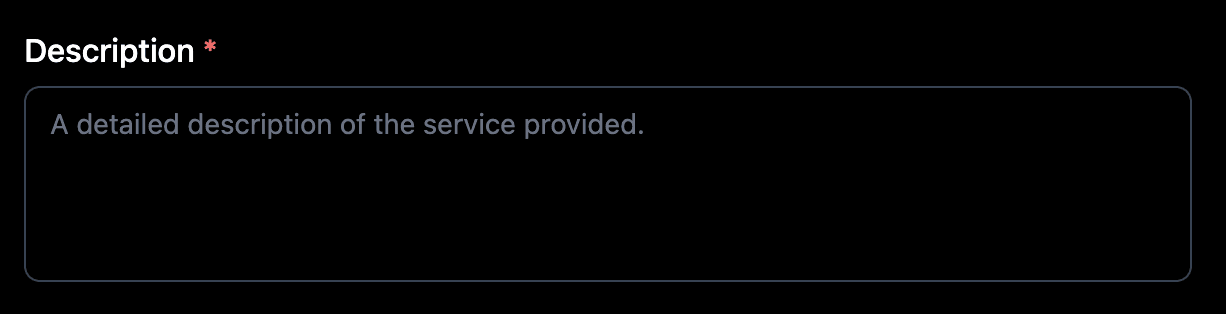
Write a 1 to 3 sentence description of what the service includes, who it is for, and what outcome it delivers. Write in a way that would attract your audience as well as help Google understand the service. This value populates the description property.
3. URL

Enter the canonical URL of the page describing this service. Each service schema should point to its own dedicated page URL. This value populates the url property in the JSON-LD output.
4. Service Type

Enter a clear descriptive label for the category of service you provide (for example, “Web Design”, “Digital Marketing”, “Legal Consulting”). This helps Google classify the service and match it to relevant search queries. This value populates the serviceType property.
5. Provider Name
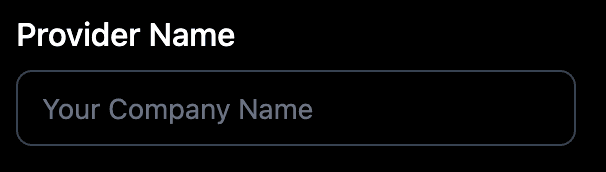
Enter the name of the person or organization providing this service. Use the same name that appears in your Organization or Person schema entries to reinforce the entity signal. This value populates the provider.name property.
6. Area Served
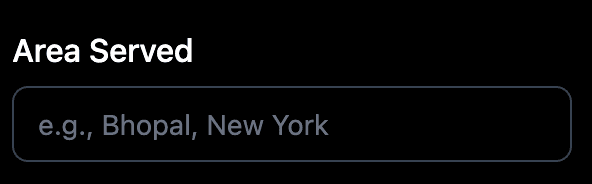
Enter the geographic region where this service is available (for example, “New York”, “United States”, or “Worldwide”). For fully remote or digital services, use “Worldwide” or “Remote”. This value populates the areaServed property.
Contact and Pricing
7. Telephone

Enter the contact phone number for inquiries about this service, including the country code. Leave this field empty if you do not accept phone inquiries for this service. This value populates the provider.telephone property.
8. Price

Enter the price for the service as a number (for example, 1500 for a flat rate). Do not include currency symbols in this field. If pricing is entirely custom or quote-based, you can leave this field empty. This value populates the offers.price property.
9. Currency
Enter the ISO 4217 three-letter currency code for the price entered in the Price field (for example, USD for US dollars, EUR for euros, GBP for British pounds, INR for Indian rupees). This value populates the offers.priceCurrency property.
For agencies or studios with multiple service offerings, create a separate Service schema entry for each service and bind each to its own page URL.
Saving and injecting
Click the Preview JSON tab to review the complete JSON-LD output for this service.
Click Validator (Ext) to open Google Rich Results Test and confirm the schema is valid.
Click Copy JSON if you want a copy of the raw JSON-LD.
Click Save Schema to save it to the Manual sub-tab in Saved Schemas.
Toggle the schema on in Saved Schemas, then click Save and Inject.
Schema and multi-language sites
Schema is currently generated per page rather than per locale, so one set of structured data applies across your site. Per-locale schema is part of the updated schema flow planned for Q3 2026.
Frequently asked questions
Who should use Service schema?
Any business or freelancer that offers a service. This includes agencies, design studios, consultants, software companies, marketing firms, law firms, and any other service-based business with a Framer website.