
<- Go Back
Global SEO Settings
Custom Language Codes When a Locale Is Not Detected
Add a language code manually when RankFrame cannot read a locale from your sitemap.
Last Updated on
Read Time
4 min read
When you need a custom language code
RankFrame detects locales by reading your published sitemap. That works when Framer has generated language and region entries for you. It does not work when your sitemap has no language configuration at all, which is common if your site serves multiple languages through paths or subdomains you set up yourself.
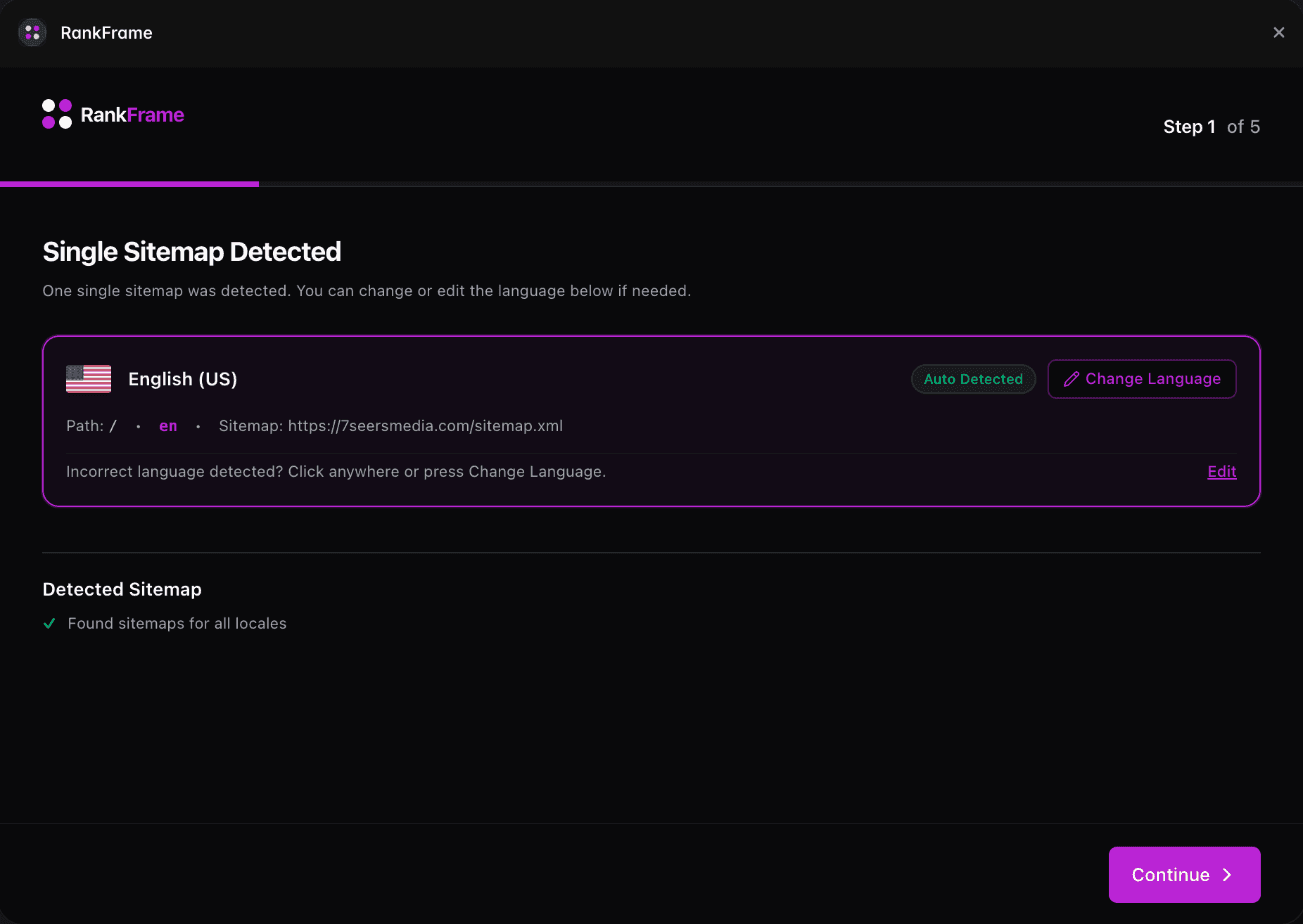
When that happens RankFrame tells you plainly: no multiple languages found, continuing with English (United States) as the default. Nothing is broken, but every locale-aware feature will only work on that one default language until you add the others.
What a language code looks like
Use a standard BCP 47 code, the same format Google expects. A language on its own, such as fr or de. A language with a region when the distinction matters, such as en-GB, pt-BR or es-MX.
Match whatever your site actually publishes. If your French pages sit under /fr, use fr. Adding a code that does not correspond to real URLs will give you a locale with nothing in it.
What changes once the code is added
The locale appears in the sidebar selector alongside your detected ones.
Page audits can be run against it and scored separately.
The 404 monitor can track and list errors for it.
Alt text can be translated into it and copied per language.
What it does not do
Adding a language code tells RankFrame that the locale exists. It does not create pages, translate content, or change anything in your Framer project. Your site still needs the corresponding pages published.
It also does not make schema locale-aware. Structured data is applied per page rather than per language. See Multi-Language SEO in Framer.
Related features
Multi-language: Every locale detected from your sitemap and handled on its own.
Frequently asked questions
Why did RankFrame not detect my languages?
Detection reads your published sitemap. If the sitemap has no language or region configuration, there is nothing for RankFrame to read and it defaults to English (United States).
Related to