
Feature
v2.1.0
Teams & Workspaces for Agency plans
Agency plans can now bring their whole team into RankFrame: invite colleagues, share AI credits, assign websites and add seats from a new Team page.

This release turns every Agency plan into a shared workspace. Instead of one login doing all the SEO, your whole team can work on your Framer sites from their own accounts.
A new Team page
See seats used, active members, pending invites and credits allocated at a glance, with every member's role, websites and credits in one table. Start with Teams & Workspaces Overview.
Invite colleagues
Invite teammates by email, give them starting credits from your workspace pool and choose which websites they work on. Invitations are valid for 7 days, and invited members only need a free RankFrame account. See Inviting Team Members.
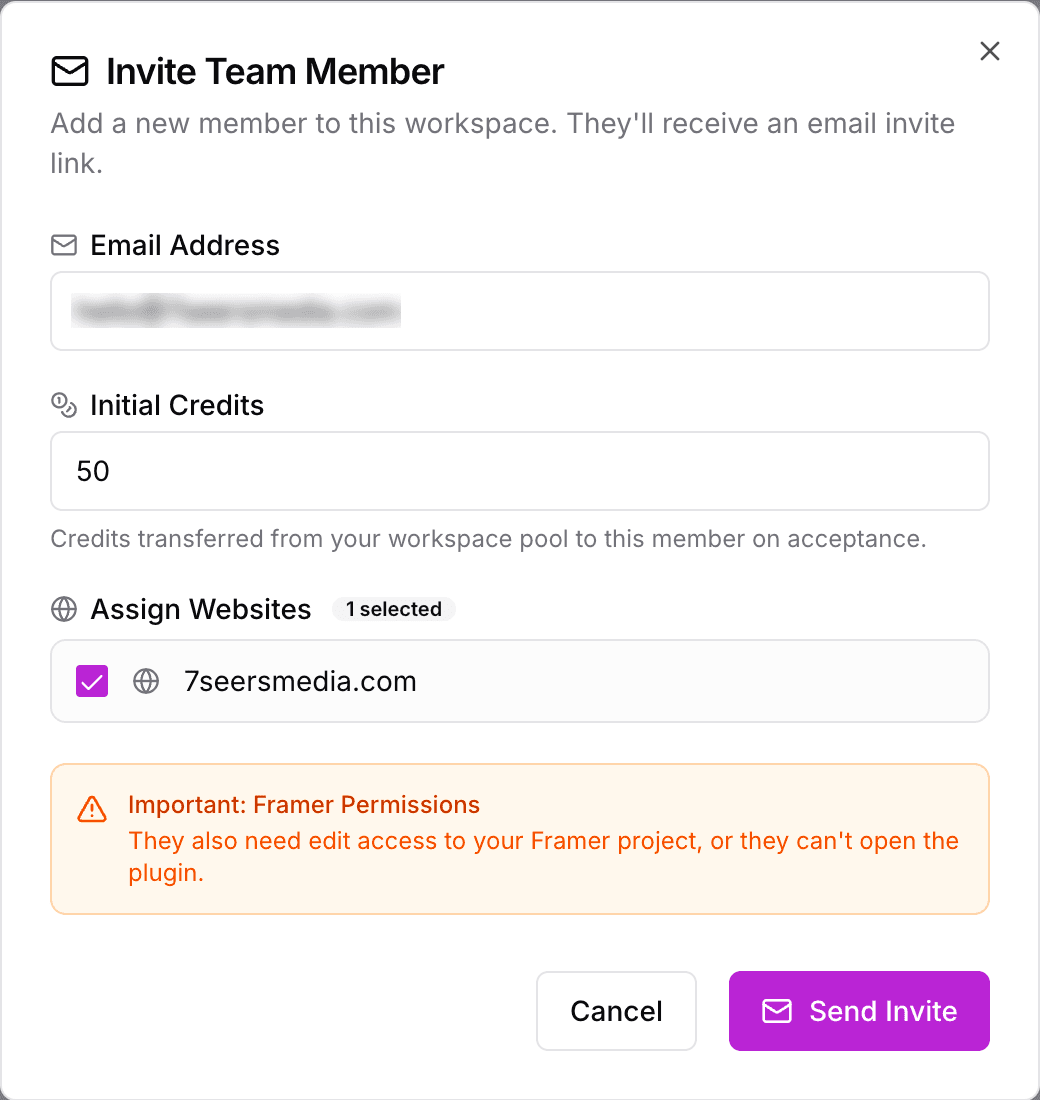
Manage each member
On the Team page, the … menu on each member's row lets you change their websites with Edit Website Access, give them more credits or take credits back with Allocate Credits and Retrieve to Pool, and take them off the team with Remove Member. See Sharing Credits and Assigning Websites.
Seats
Your Agency plan includes one seat. Add more from the Team page at USD 72 a year or USD 10 a month each, and Polar works out the prorated charge for the rest of your current billing period. See Buying and Managing Team Seats.
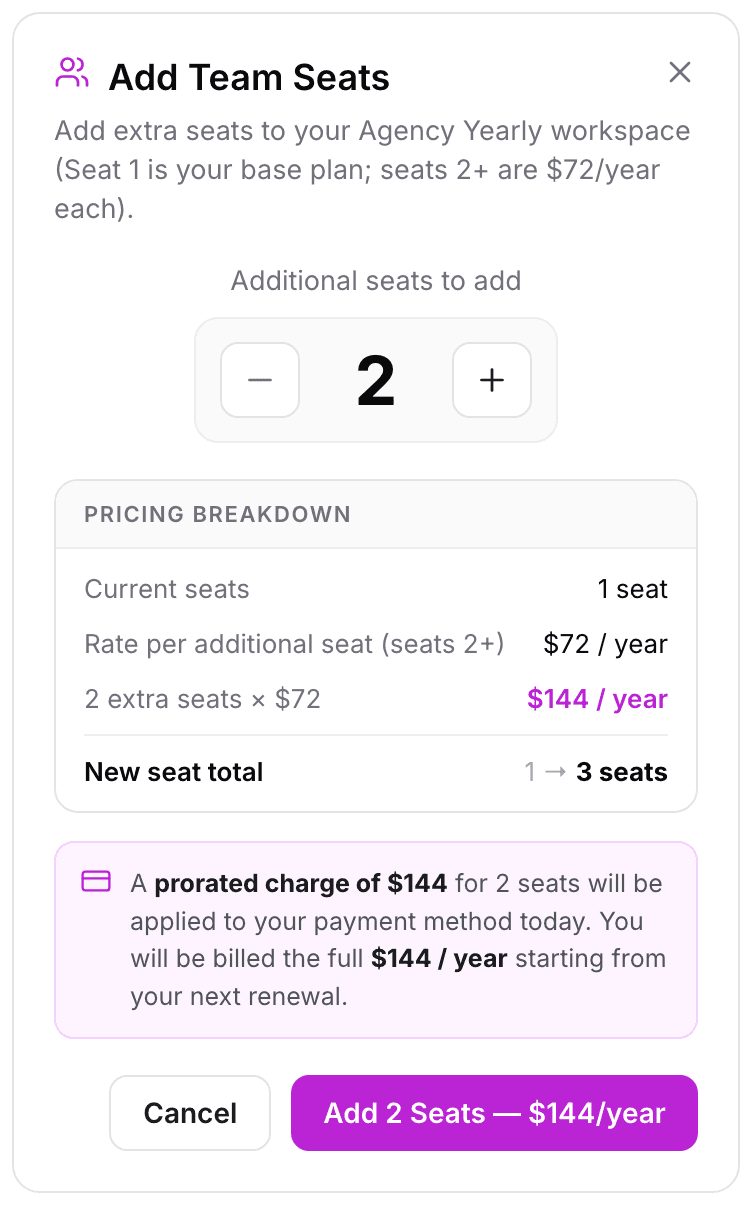
Roles and workspaces
Admins manage the subscription, seats and team. Members work on the websites assigned to them. Switch between your personal workspace and any team you belong to from the workspace switcher, and rename your workspace in Account Details. See Team Roles: Admin and Member.

Related features
Teams & Workspaces: A seat for every teammate, with website access and credits per person.